TCL Tab A1 review: A gorgeous 2.1K screen and clean Android, but the charging let me down
I used the TCL Tab A1 for videos, documents and light multitasking to see what an 11-inch Android tablet gives you at around $170 in the US, and where slow 20W charging and a fingerprint-prone finish hold it back.
Published October 9, 2026
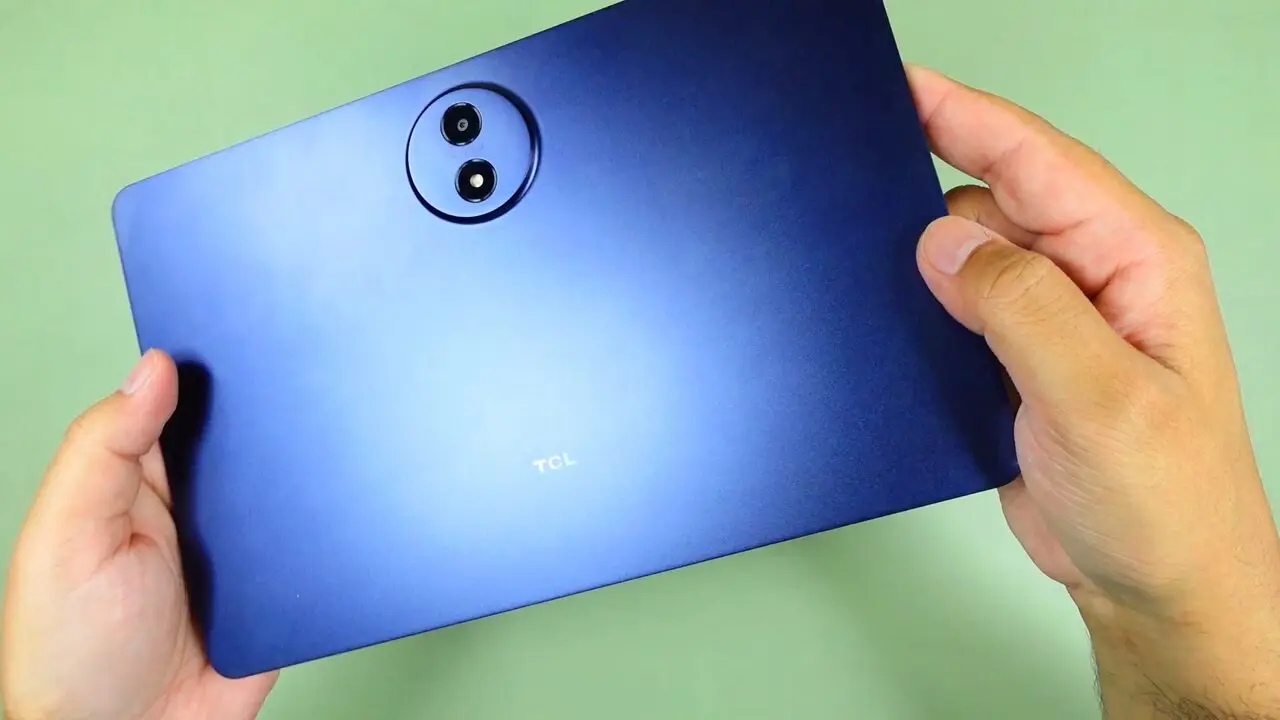
Tested context
Used as an everyday tablet for watching videos, reading documents, light productivity and light multitasking, plus checking the speakers, outdoor visibility and battery on standby.
Verdict
The premium feel, the 2.1K display, the speakers and the clean Android software were the highlights for me. The slow charging, the fingerprints and the reflections outdoors are the trade-offs, and at around $170 in the US I would recommend it for entertainment, reading and light productivity.
Pros
- Metal unibody that feels solid and premium, just 6.2 mm thick
- 11 inch 2.1K display with up to 90 Hz refresh rate, sharp and colorful
- Four speakers that sounded good to me for the price, with no distortion around 90 to 95 percent volume
- Near-stock Android 16 with no bloatware I noticed, and smooth everyday performance
- Battery dropped only 8 percentage points (100 to 92 percent) over more than 12 hours of mostly standby with some video
Cons
- 20W charging is slow, and there is no charger in the box, only a USB-C cable
- The finish picks up fingerprints easily, on the back and the front
- Reflections make the screen harder to read in direct sunlight
- USB 2.0 port and no 3.5 mm headphone jack; the pen and flip case are sold separately
The TCL Tab A1 has a gorgeous 11 inch 2.1K screen, speakers I liked and clean Android, but slow charging and a fingerprint-prone finish keep it from being an easy pick.
I used it for everyday things like watching videos, going through documents and some light multitasking. At around $170 in the US there is quite a lot to like here, although a few things could definitely be better.
Watch the full video review on YouTube.
Design and build
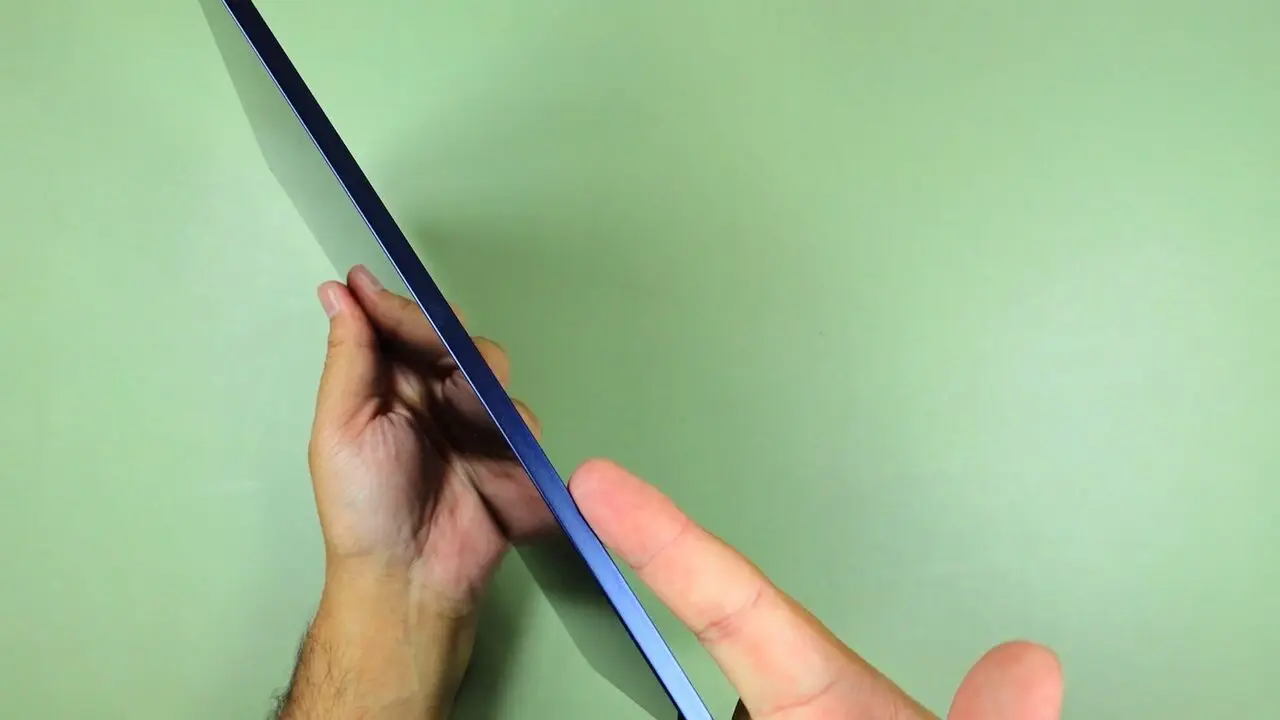
This is a beautiful looking tablet. The metal unibody feels solid in the hand and the finish gives it a premium feel. It is just 6.2 millimeters thick, so it feels slim without feeling flimsy, and holding it while watching videos or going through documents felt comfortable. I also like the balanced bezels all around the display, which give the front a clean look.
The finish does pick up fingerprints quite easily. Even the back shows them, and the front gets covered too, so keeping it clean takes some wiping. You also get an IP54 rating for dust and splashes, which is useful protection for everyday use, although this is not a tablet you should put under water.
Ports and storage
You get USB-C for charging and data and a microSD slot for expanding storage. The USB port is USB 2.0, so it is not the fastest option for moving large files. For audio you can use Bluetooth or USB-C headphones, as there is no separate 3.5 millimeter headphone jack.
The microSD slot is useful if you keep downloaded videos and documents locally. You can add a card rather than depending entirely on the built-in storage.
The display is the highlight
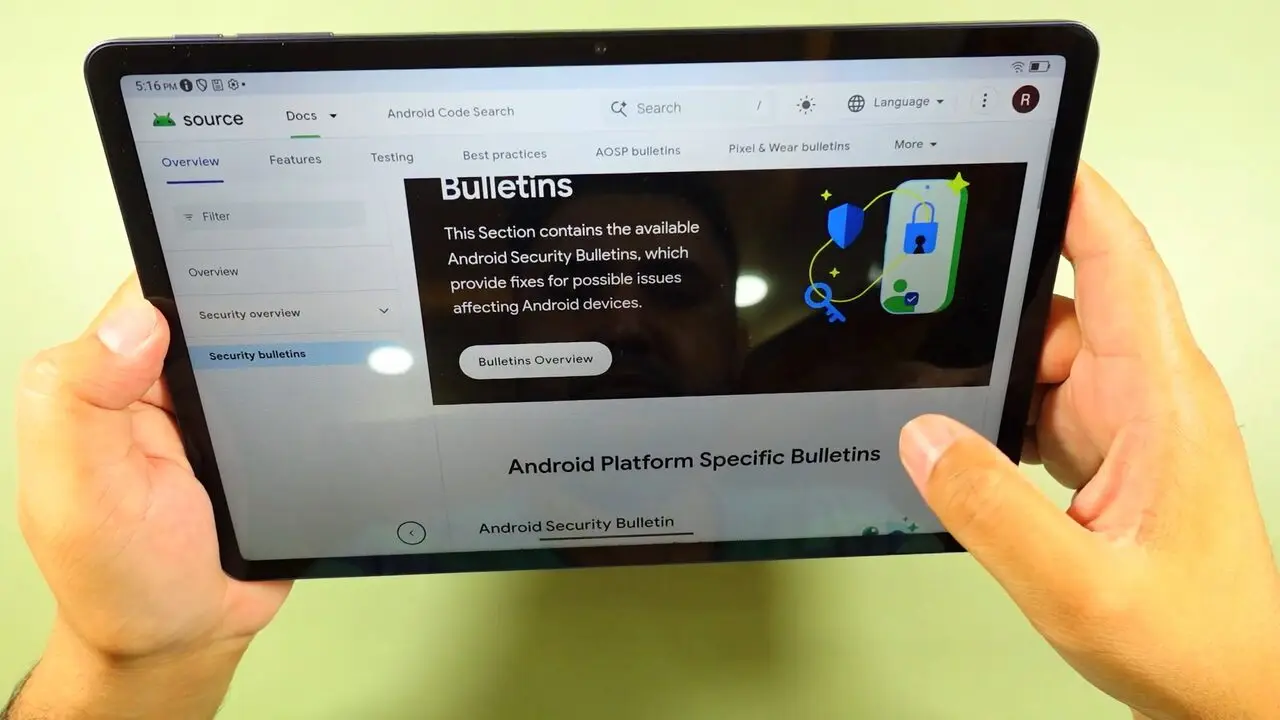
The display is one of my favorite things about this tablet: an 11 inch screen with 2.1K resolution and a refresh rate of up to 90 hertz. The visuals look sharp and crisp and the colors really pop. Watching videos looks great, and reading documents and going through pages is a nice experience too. That extra space is useful when you want something bigger than a phone without sitting down with a laptop, and the smooth scrolling adds to it.
Outdoors, reflections are the problem
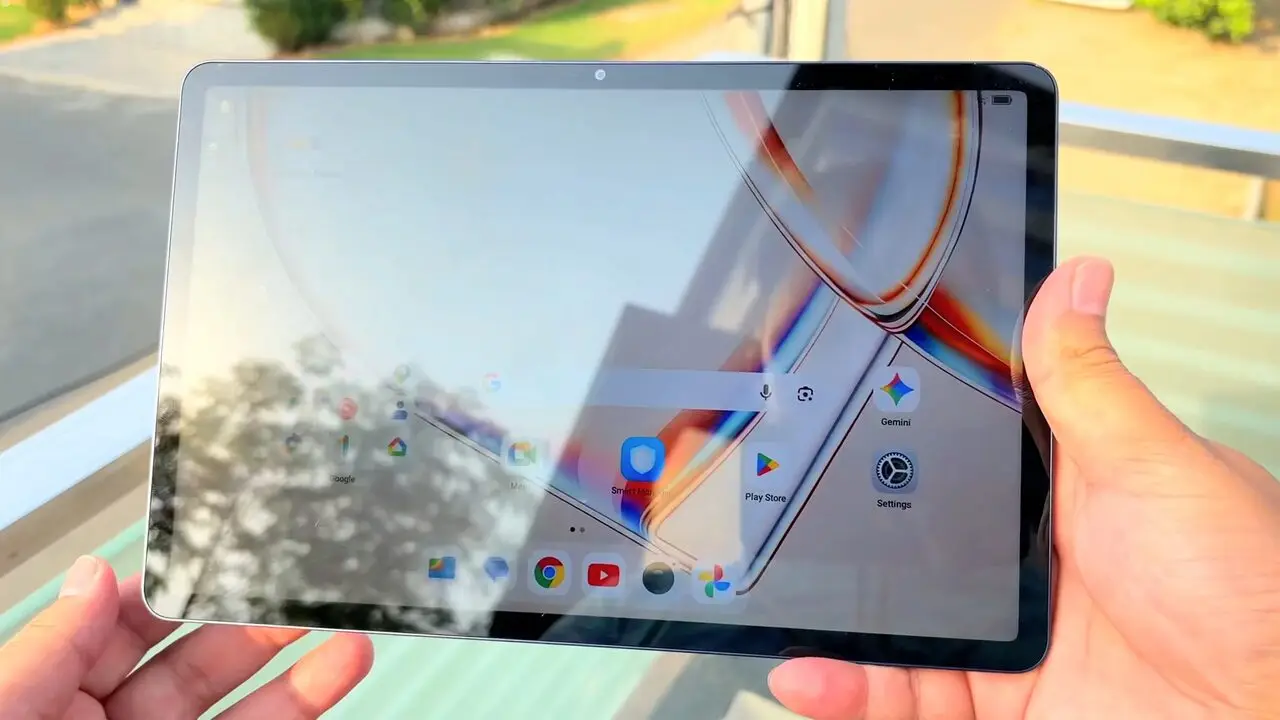
Brightness is quite good. I could still see the screen in direct sunlight, although the reflections made it harder to read. It does not have the really punchy brightness you get from some modern smartphones, and because the front is reflective, where you sit can make a noticeable difference. Indoors the display is really enjoyable. Outdoors it is still usable, but reflections are the main thing working against it.
Speakers
The speakers are another strong part of the experience. There are four of them and I think they sound quite good for the price. Even around 90 to 95 percent volume I did not notice distortion, which makes them useful for watching videos without immediately reaching for headphones.
TCL also offers a boosted volume mode. When I pushed the sound to the maximum boosted level I could hear a little distortion, so I would keep it below that extreme setting for cleaner sound.
Performance and software
Inside you get a MediaTek Helio G100 processor, 6 GB of RAM and 128 GB of storage. This is an everyday processor rather than something I would choose for high-end gaming or demanding creative work, but for what I actually used it for, it worked really well. Light productivity, viewing documents, watching videos and light multitasking all felt smooth.
It came with Android 16 out of the box. I really liked the clean Android experience: it feels close to stock Android and I did not find unwanted bloatware getting in the way. TCL also advertises virtual RAM, but that uses storage space. The physical RAM is 6 GB, so the bigger combined number is not the same as having more memory.
Split screen and floating windows
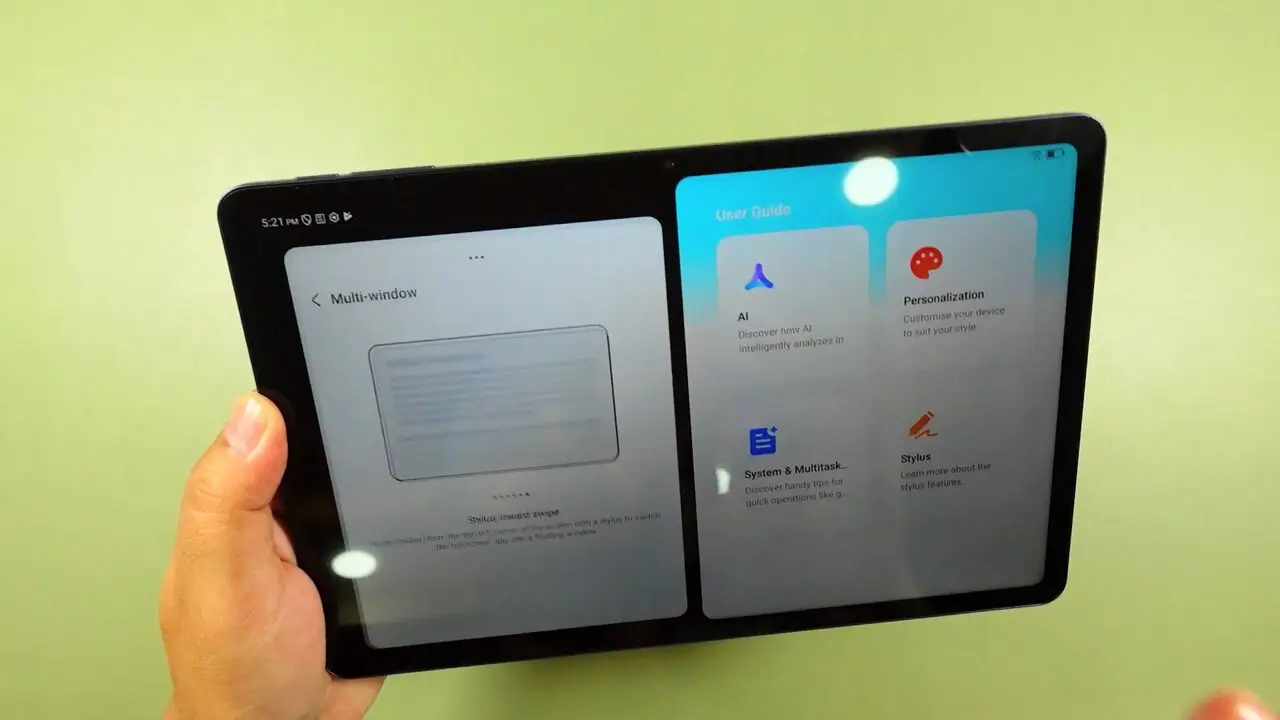
You also have split screen and floating windows. They are a useful way to take advantage of the larger display instead of constantly switching between apps. For example, you can keep a document beside another app while working, which makes light productivity more practical on a tablet.
Circle to Search and Gemini
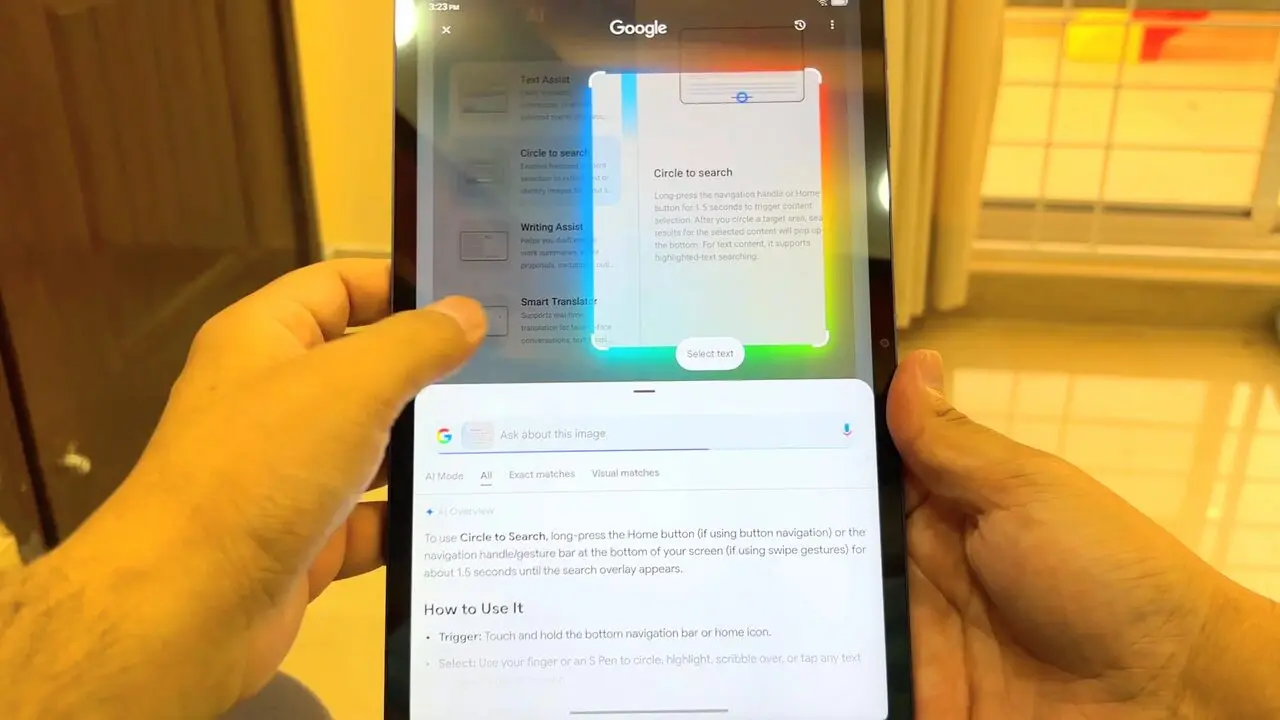
There are also tools such as Gemini and Circle to Search. Circle to Search lets you look up something on the screen without first describing it in a search box. They are useful extras, but for me the display, the speakers and the clean software are the bigger reasons to consider this tablet.
Pen support
If you want handwritten notes, it supports the T Pen. The pen and the flip case are sold separately with the standard model, so factor those into the cost if you need them.
Battery and charging
The battery is 8000 mAh, and my experience with mostly standby use was encouraging. I fully charged it, then left it mostly on standby for more than 12 hours with some video watching in between. By the end the battery had dropped just 8 percentage points, from 100 to 92 percent. That was a good result for the way I used it. It is not 12 hours of continuous video playback, but the battery held up well.
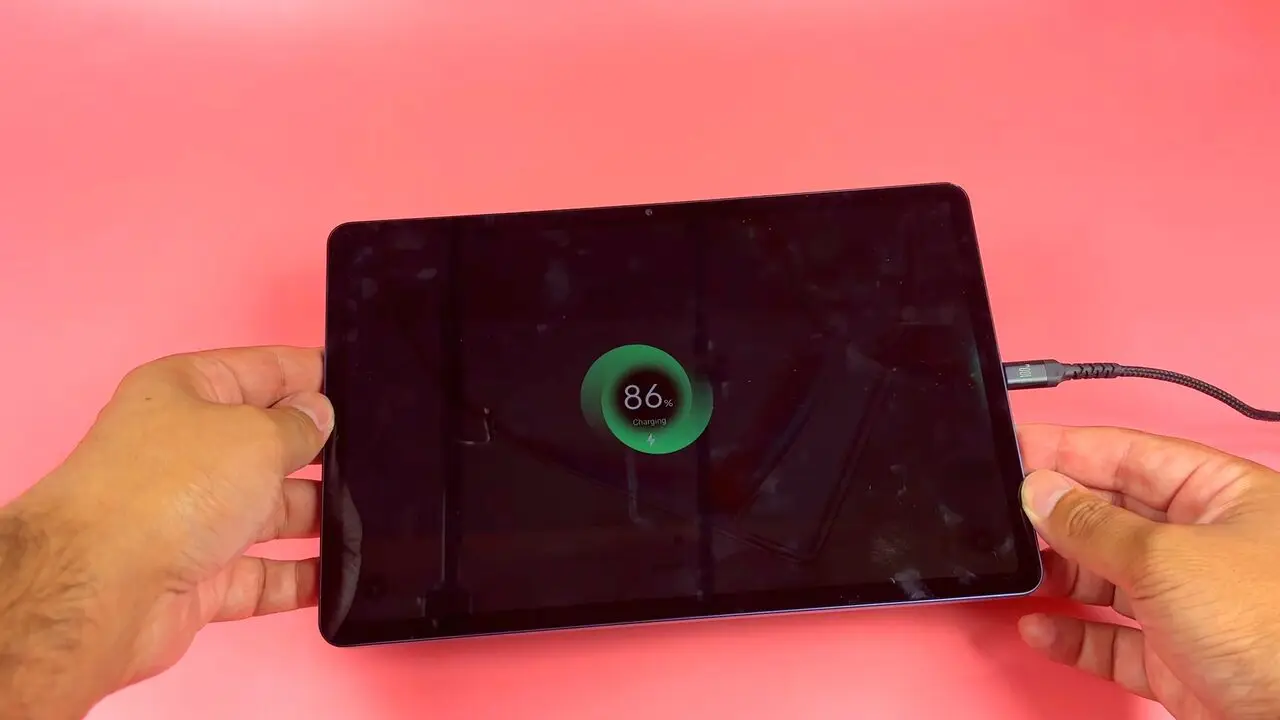
Charging is where I would have liked something better. It supports 20 watt charging and filling a battery this size takes quite some time, so if you let it run low, do not expect it to charge back up quickly. There was also no charger in my box, just a USB-C cable, so you will need a suitable charger if you do not already have one.
Verdict
I came away quite positive about the TCL Tab A1. The premium feel, the enjoyable display and speakers, and the smooth, clean software were the highlights for me. My main complaints are the slow charging, the fingerprints and the screen reflections outdoors.
Taking everything together, at around $170 in the US, I would recommend it for entertainment, reading and light productivity. That is where it worked well for me and that is the kind of use I would buy it for.
Where to buy
This article contains affiliate links. If you buy through them, I may earn a commission at no extra cost to you.
Is this for you?
Who it’s for
Anyone who wants a tablet mainly for watching videos, reading and light productivity, and who values the screen, the speakers and clean software.
Who should skip it
Skip it if you want fast charging, gaming or demanding creative work, or a screen that stays easy to read in direct sunlight.
Price & comparison
Around $170 in the US, as I said in the video.
Price as observed 2026-10-09; may have changed since.
Watch the review
Open on YouTubeDisclosure
All images are original Tech With RR footage, captured firsthand while testing the TCL Tab A1.
This review contains an affiliate link. See our affiliate disclosure for details.