Flashforge Creator 5 Review: Four Tools Make Color Printing More Practical
Four separate tools reduce flushing between colors and enable compatible mixed-material prints. The Creator 5 is most appealing for regular color work, provided you are comfortable with manual loading and an open frame.
Published October 7, 2026
Tested context
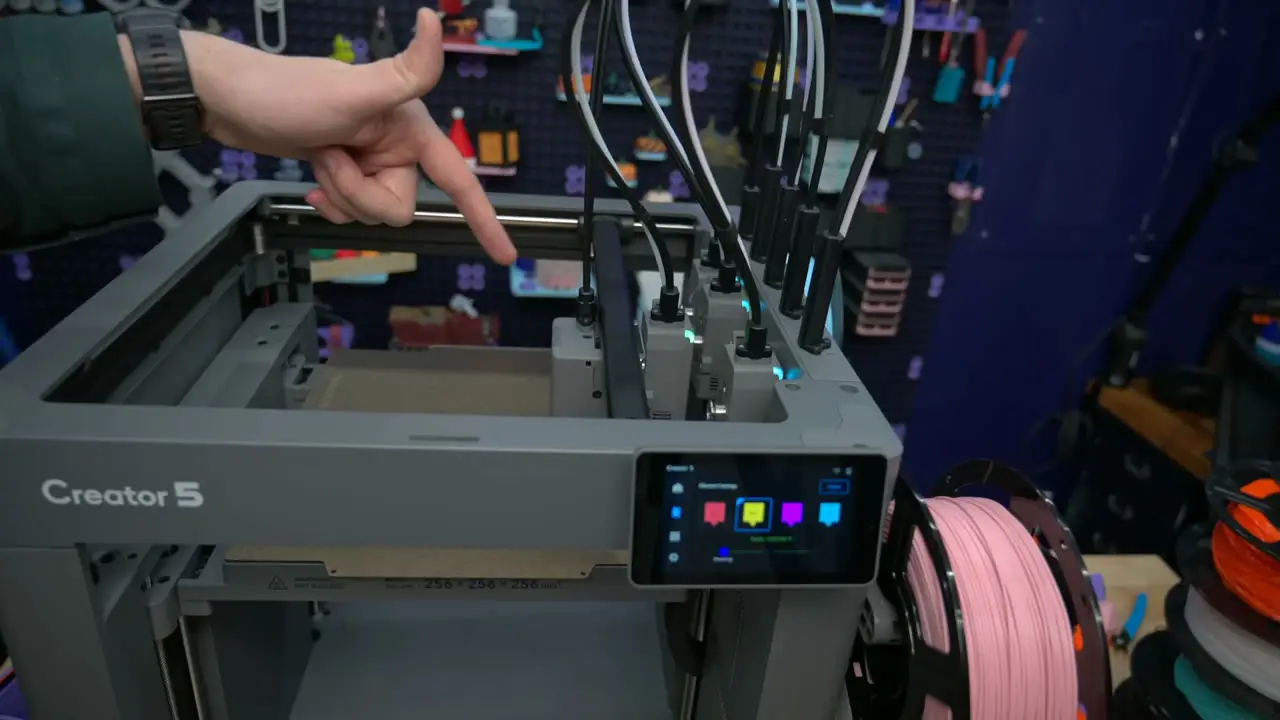
Standard open-frame Creator 5, focusing on four-tool color changes, compatible mixed-material projects, filament handling, software, and the functional and decorative examples in the accompanying review video.
Verdict
The Creator 5 has a compelling core idea: four separate tools make multicolor and compatible mixed-material printing more practical, with less flushing between colors. It is particularly worth considering for regular color work if you are comfortable spending time on setup and profiles. Manual filament loading, prime-tower waste, and the open frame are the main tradeoffs to consider.
Pros
- Separate nozzles reduce the repeated flushing needed for color changes
- Compatible mixed-material printing opens up flexible-part and support options
- Functional examples show useful parts alongside decorative color prints
- Tilting screen and flexible textured PEI plate are practical everyday features
Cons
- Prime towers and filament preparation still use material
- Filament loading and material/color selection are manual
- The standard open frame is less suited to materials that need a controlled chamber
The Flashforge Creator 5 makes a strong case for using four separate tools when you print in color regularly. Keeping each filament in its own nozzle cuts down on the repeated flushing of a shared nozzle, but manual loading and the standard model's open frame still matter in everyday use.
The appeal goes beyond colorful models. Compatible mixed-material printing gives the tool system a practical role in flexible parts and support removal, which is where it becomes more interesting than a printer that simply adds more colors.
Design: leave room for the spools
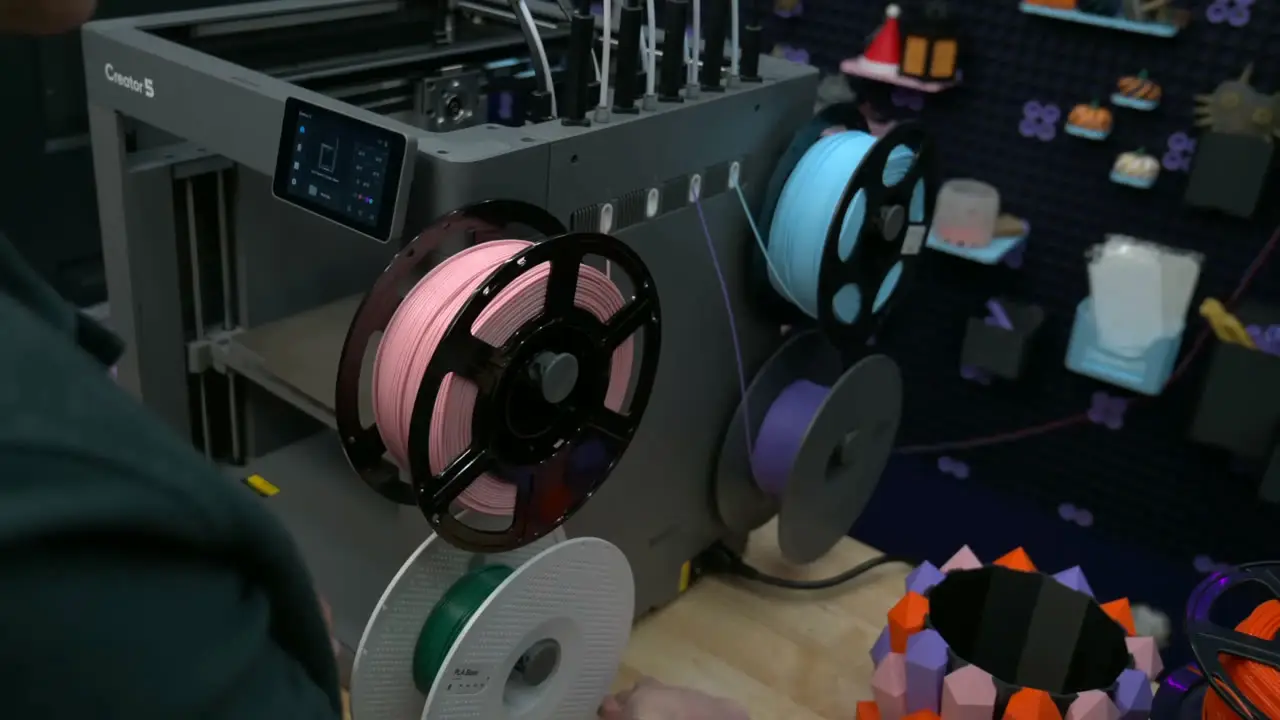
This is the standard, open-frame Creator 5. The enclosed Creator 5 Pro is a different option, and that distinction matters if your preferred materials need a more controlled printing environment.
The build area is 256 × 256 × 256 millimeters. That is useful room for organizers, controller stands, decorative models, and everyday functional parts, but it does not tell you how much space to reserve on a desk.
The four filament spools sit on the right, with tubes running up to the tools. Leave enough room to reach those spools and change filament. I would not plan a tight shelf around the size of the bare frame alone.
The tilting screen is a sensible detail when the printer sits above or below eye level. There is also a flexible textured PEI plate, which can be bent to help release a cooled print. USB and Wi-Fi cover file transfer, while the built-in camera provides a way to check on a print remotely; the camera view is more useful for monitoring than inspecting fine surface detail.
Four tools are the main reason to consider it
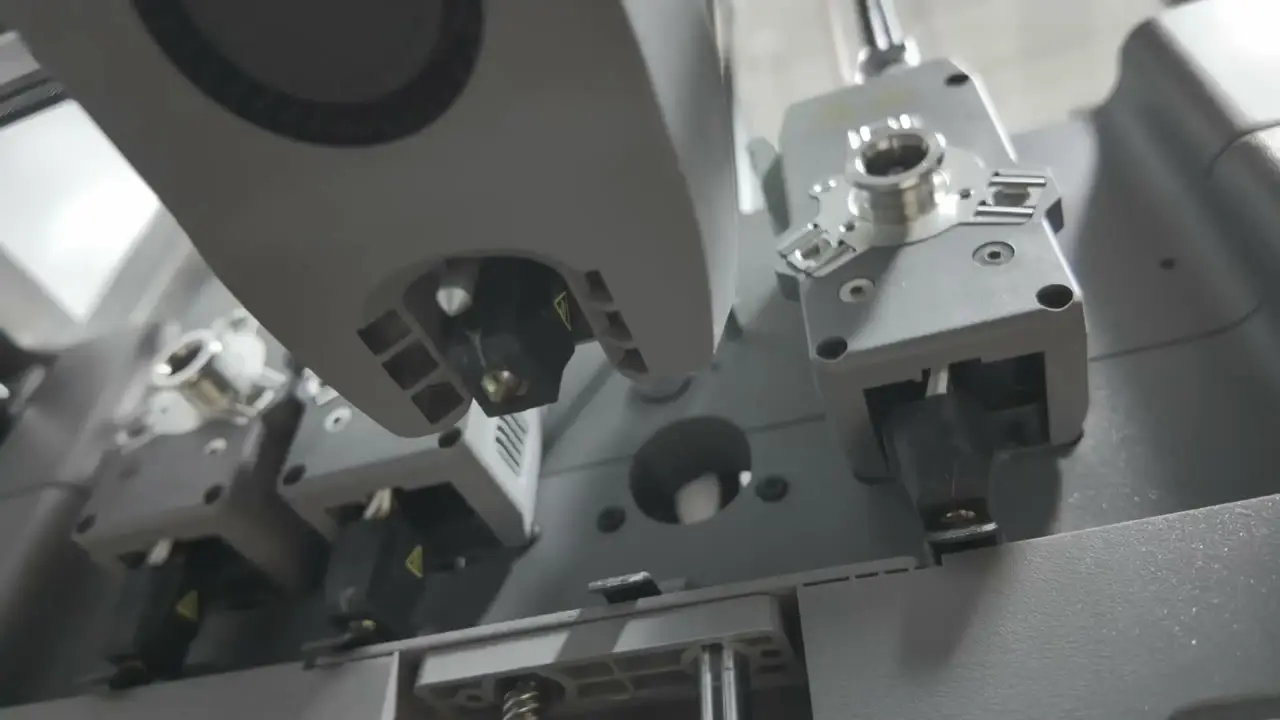
When one tool finishes its part of a print, the Creator 5 parks it and picks up the next. Each color can stay in its own nozzle, reducing the repeated flushing required when several colors share one nozzle.
That is a useful difference on a model with frequent color changes. The benefit comes from changing how the printer handles those changes, rather than simply adding another spool to the same printing path.
A tool swap is also only part of the process. The nozzle still needs preparation before printing resumes, so a quick mechanical change should not be read as the total time between printed colors.
For me, this system is most appealing when multicolor work is a regular part of what you print. If most of your jobs use one color, the extra tools have less opportunity to help.
Less flushing still leaves a prime tower
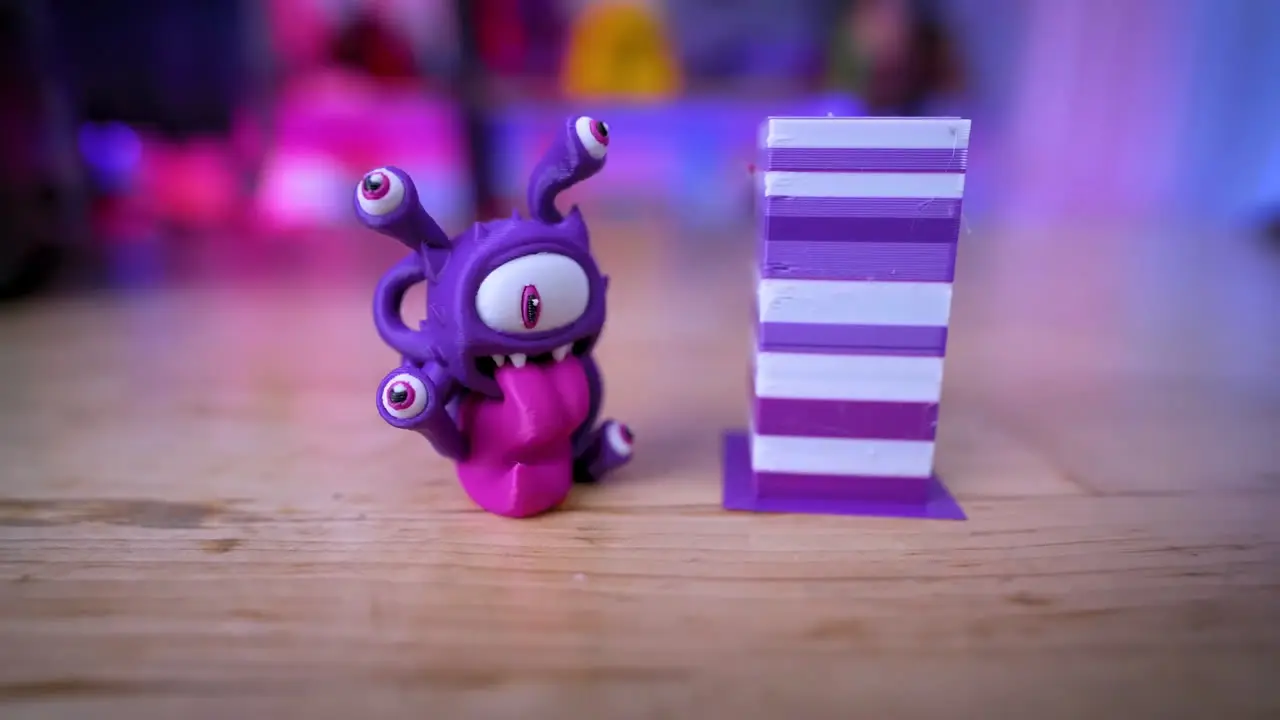
Reduced waste does not mean every gram goes into the finished model. Loading, nozzle preparation, and the prime tower still consume filament.
The tower can be a meaningful share of a small print, while its proportion can look different when several models share a job. The useful question is how much material the complete job uses, rather than whether the printer avoids flushing colors through a shared nozzle.
I would look at the model and tower together in the slicer before judging the saving. There is a clear practical benefit here, but it depends on the print you actually want to make.
Mixed materials add another practical use
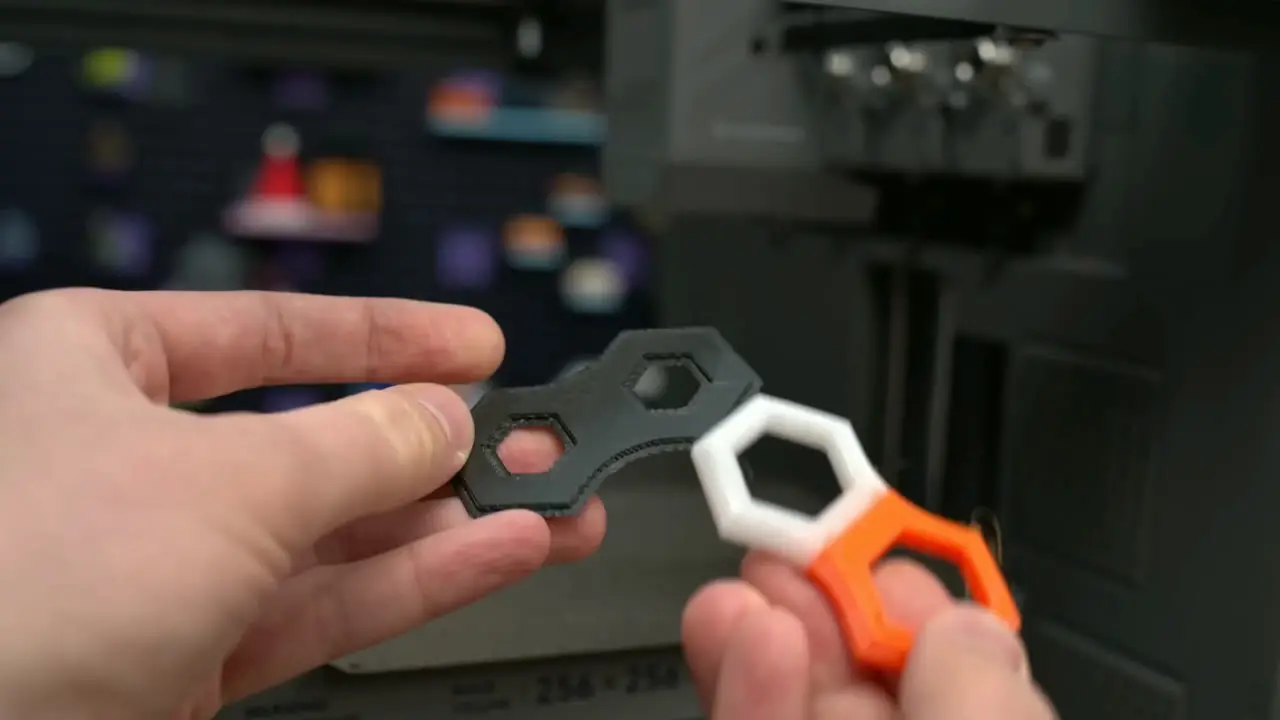
Separate tools also let compatible materials take different roles in the same print. The examples in the video include PLA supports with TPU, interlocking pieces made with different TPU filaments, and dedicated support material for a cleaner underside.
That makes flexible parts and support removal part of the appeal, alongside color. It does not mean any two filaments will work together: temperature, adhesion, and the material profiles still need to suit the combination.
PLA, PETG, and suitable TPU are the most natural starting points for the standard machine. Flashforge's official specifications list a 320°C maximum extruder temperature, but a hot nozzle does not give the open frame an enclosed chamber.
If ABS or other chamber-sensitive materials are the main reason for buying, compare the enclosed Pro carefully. The standard machine's color capability does not remove the need to match the printer to your materials.
Useful parts matter as much as colorful models
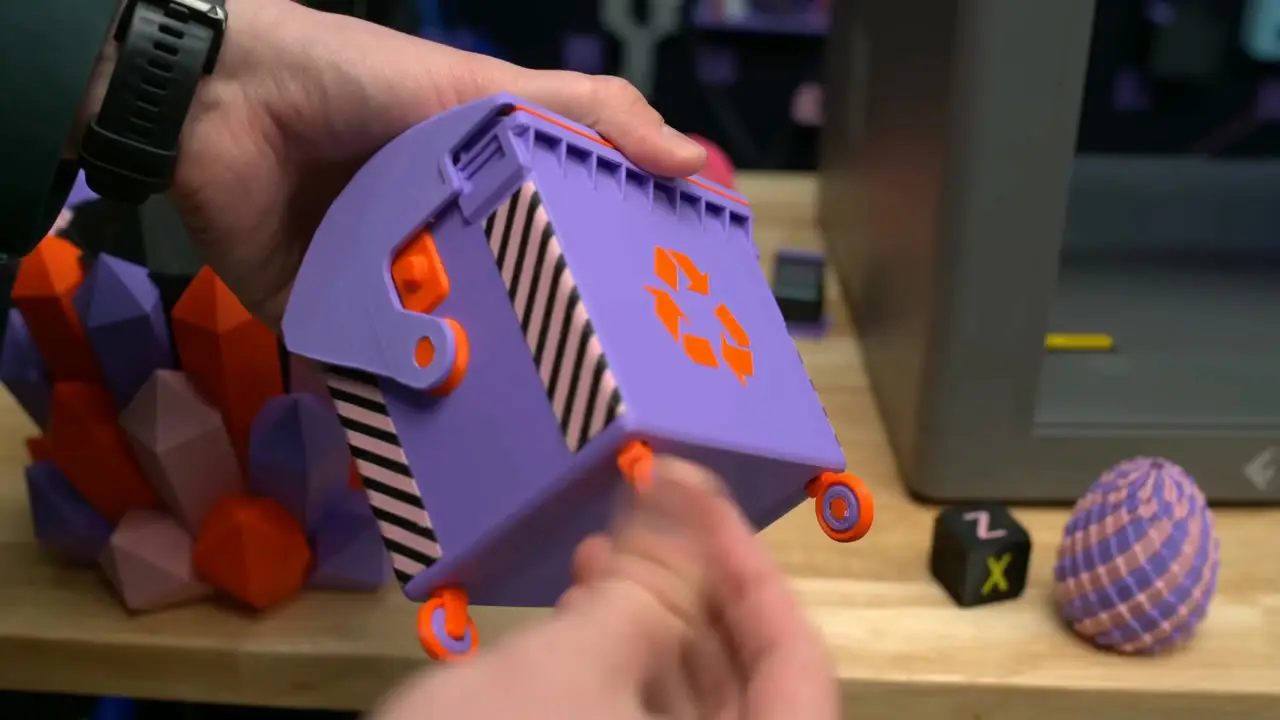
The functional examples are encouraging: storage parts fit together, threaded parts work, and clearance models have moving parts. Those are useful results if the printer is expected to make practical objects as well as colorful decorations.
Decorative models and controller stands show what the color system can do. But the functional examples make a stronger case for treating the Creator 5 as a useful printer, rather than buying it only for multicolor display pieces.
Those examples show particular results; they are not a promise that every model and material profile will behave the same way.
Loading and software are part of the experience
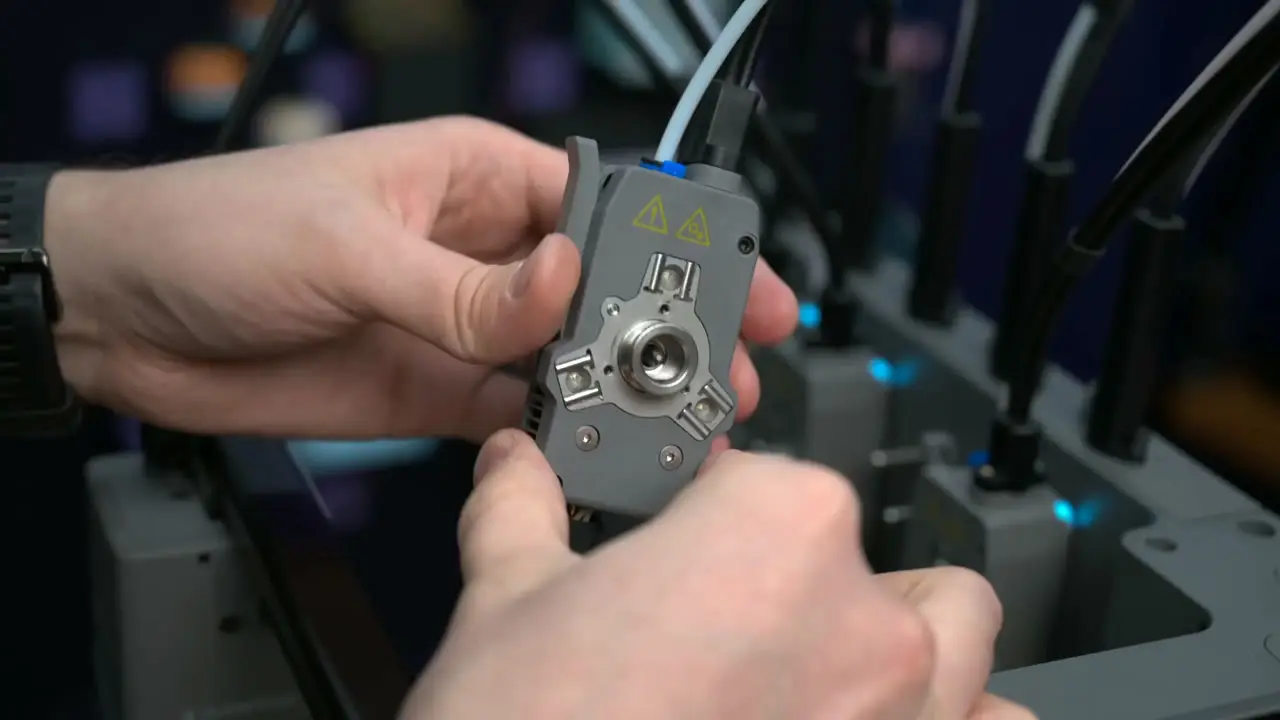
Filament loading is fairly manual. You feed the filament and select its material and color, rather than having the machine identify everything automatically.
That is manageable, but frequent material changes mean doing those steps more often. It is worth considering how you actually use a printer, rather than judging the experience only by what happens after a job starts.
The video uses an Orca-based slicing workflow, which should feel familiar if you already use that slicer. Printer controls and firmware support deserve attention alongside the hardware; check the current software and material profiles before deciding how well the workflow fits you.
Who the Creator 5 makes sense for
I think the Creator 5 has a compelling core idea. Four separate tools make regular multicolor and compatible mixed-material work more practical, with less flushing between colors.
It is particularly worth considering if you often print colorful models or batches and are comfortable spending time on setup and profiles. The functional examples strengthen that case.
If your printing is mainly single-color, the four-tool system may give you less benefit. If you want an enclosed chamber or a more automated loading and software experience, compare those features carefully before buying.
Where to buy
This article contains affiliate links. If you buy through them, I may earn a commission at no extra cost to you.
Is this for you?
Who it’s for
People who regularly print colorful models, batches, or compatible mixed-material parts, and are comfortable working with material profiles and a four-tool setup.
Who should skip it
If you mainly print single-color parts, the extra tools may offer less benefit. Compare enclosed printers if ABS or other chamber-sensitive materials are the priority, and compare loading and software workflows if you want maximum automation.
Watch the review
Open on YouTubeDisclosure
Tech With RR narration and edit. Article stills come from footage by JJ Shankles, aim6mac, and Uncle Jessy, used with permission. The video also includes footage from Aurora Tech and FauxHammer. Print observations draw on the published hands-on testing used for the accompanying video.
This review contains an affiliate link. See our affiliate disclosure for details.