SofaBaton X2 vs U3: Which Universal Remote With a Screen Should You Buy?
SofaBaton X2 vs U3 after testing both: the U3 is the easier pick for most people, the X2 only makes sense for advanced setups. Here is how they compare.
Published October 29, 2026
Tested context
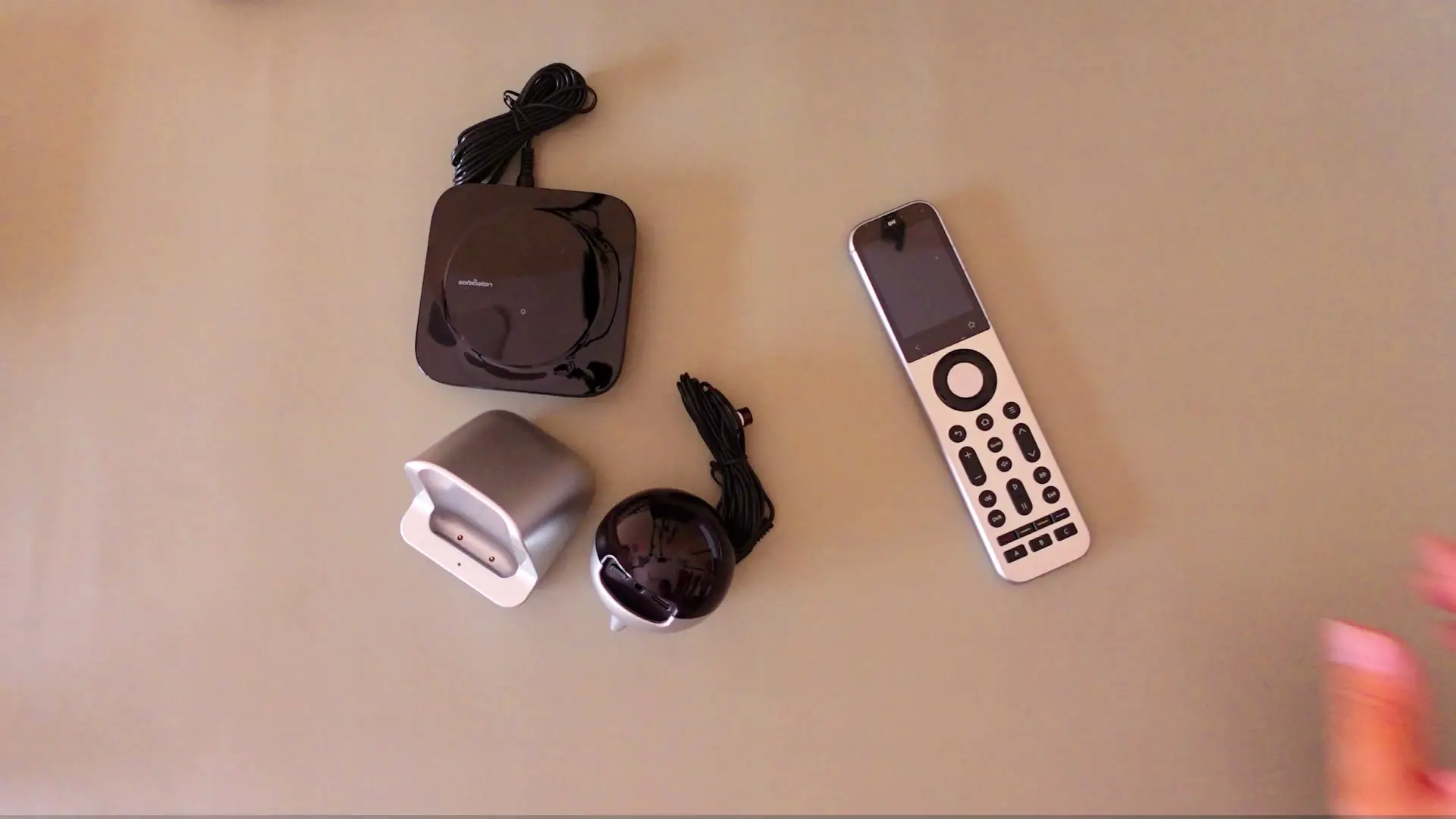
Based on my separate hands-on reviews of the SofaBaton X2 Set and the SofaBaton U3, both tested in a normal home: pairing over Bluetooth and IR with a Xiaomi Android TV box, using the R1 repeater with an AC (X2), and trying RF learning with a fan remote, a Bluetooth macro, Air Mouse and Google Assistant (U3). I did not test the two side by side in one session, and I did not test Home Assistant, Matter, the X2's RF control or its claimed 30-day battery life, so I do not treat those as proven strengths or weaknesses here. I have not tested the SofaBaton X1S.
Verdict
For most people who want to stop juggling remotes, I would buy the U3: Bluetooth was flawless, a macro worked every time, and it does not ask you to build a power-user setup. The X2 is the better-built, more capable kit — the R1 repeater really did extend IR control two rooms away — but at around $330 it only makes sense if you will use Activities, IP control, repeaters or Home Assistant.
Pros
- U3: Bluetooth pairing and a Bluetooth macro (power on, raise volume, open YouTube) worked flawlessly with my Xiaomi Android TV box
- U3: easier recommendation for most people who just want one remote for the TV and TV box
- X2: premium build, responsive touchscreen and a charging dock
- X2: the R1 repeater extended IR control to a device two rooms away
Cons
- U3: RF learning with my fan remote was unreliable, and IR could turn my TV box off but not back on
- X2: around $330 is hard to justify if you only want to replace a few everyday remotes
- X2: firmware updates installed on their own during setup and briefly broke the connection
- Both: you still need to check that the exact commands you rely on work for your device
If you are choosing between the SofaBaton X2 and the U3, my short answer is: buy the U3 unless you already know you want a power-user setup. I have reviewed both in full, and this is the head-to-head. It is also my answer if you are searching for the best universal remote with a screen from SofaBaton's range.
SofaBaton X2 vs U3 at a glance
| SofaBaton U3 | SofaBaton X2 Set | |
|---|---|---|
| Who it suits | Most people replacing a TV and TV box remote | Advanced setups: Activities, IP control, repeaters, Home Assistant |
| What worked best for me | Bluetooth pairing and a Bluetooth macro | Bluetooth, plus the R1 repeater extending IR two rooms away |
| What let me down | RF learning with a fan remote; IR could not turn my TV box back on | Forced firmware updates during setup; app is only functional |
| Charging | Charging base (in my package) | Charging dock |
| Price | Check the current price | Around $330 when I reviewed it (12 July 2026) |
| My rating | 3.5 / 5 | 3.5 / 5 |
Full write-ups: SofaBaton U3 review and SofaBaton X2 Set review. Both scored 3.5, but they are for different buyers, so the score alone does not tell you which to pick.
Design and controls
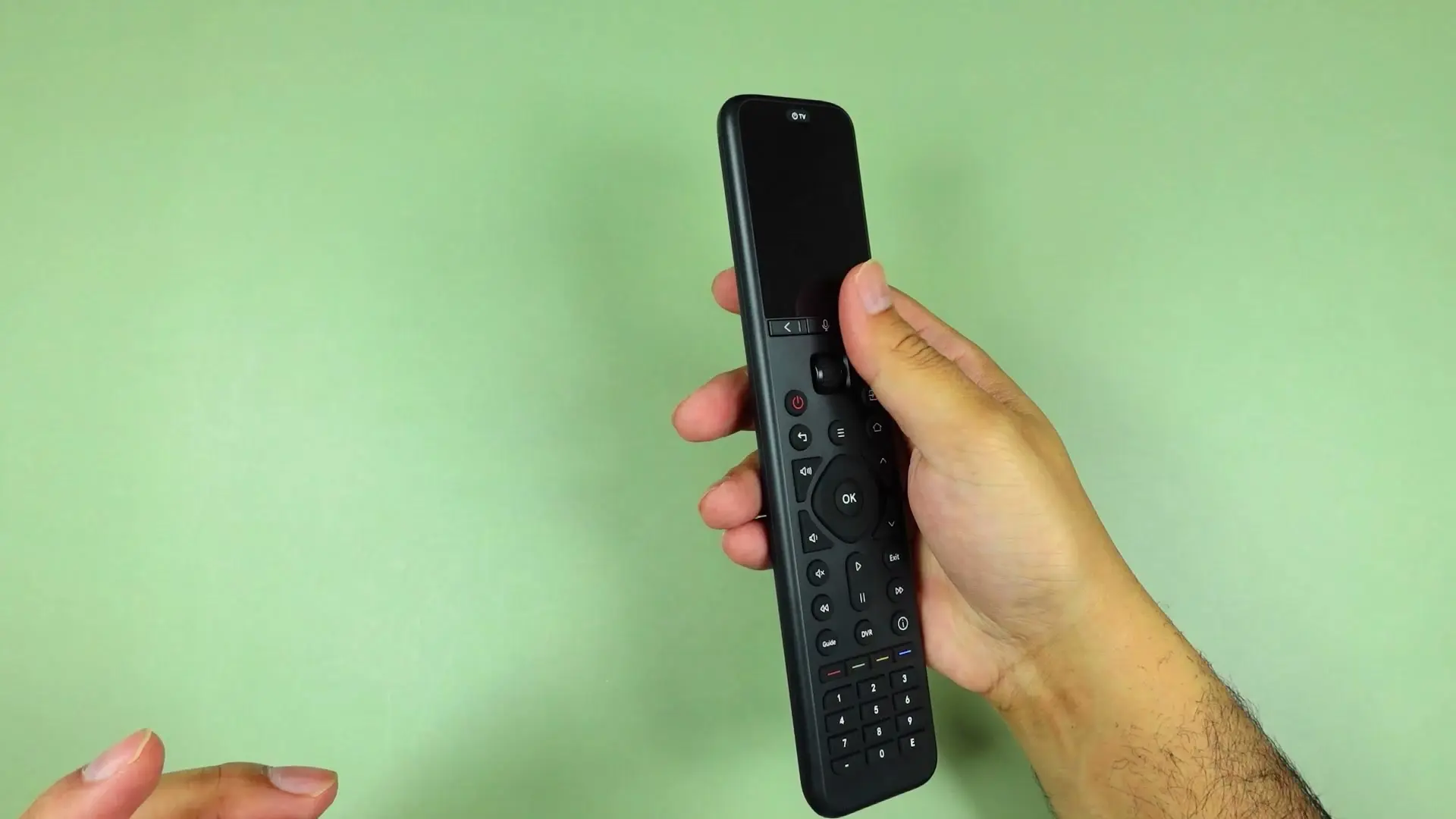
The U3 is a tall matte black remote that feels lighter than it looks, with a screen, a scroll wheel and a proper physical button layout. Two things took a few days to get used to: separate back buttons for the remote's own interface and for the device, and a red power button alongside an on-screen "TV off" option.
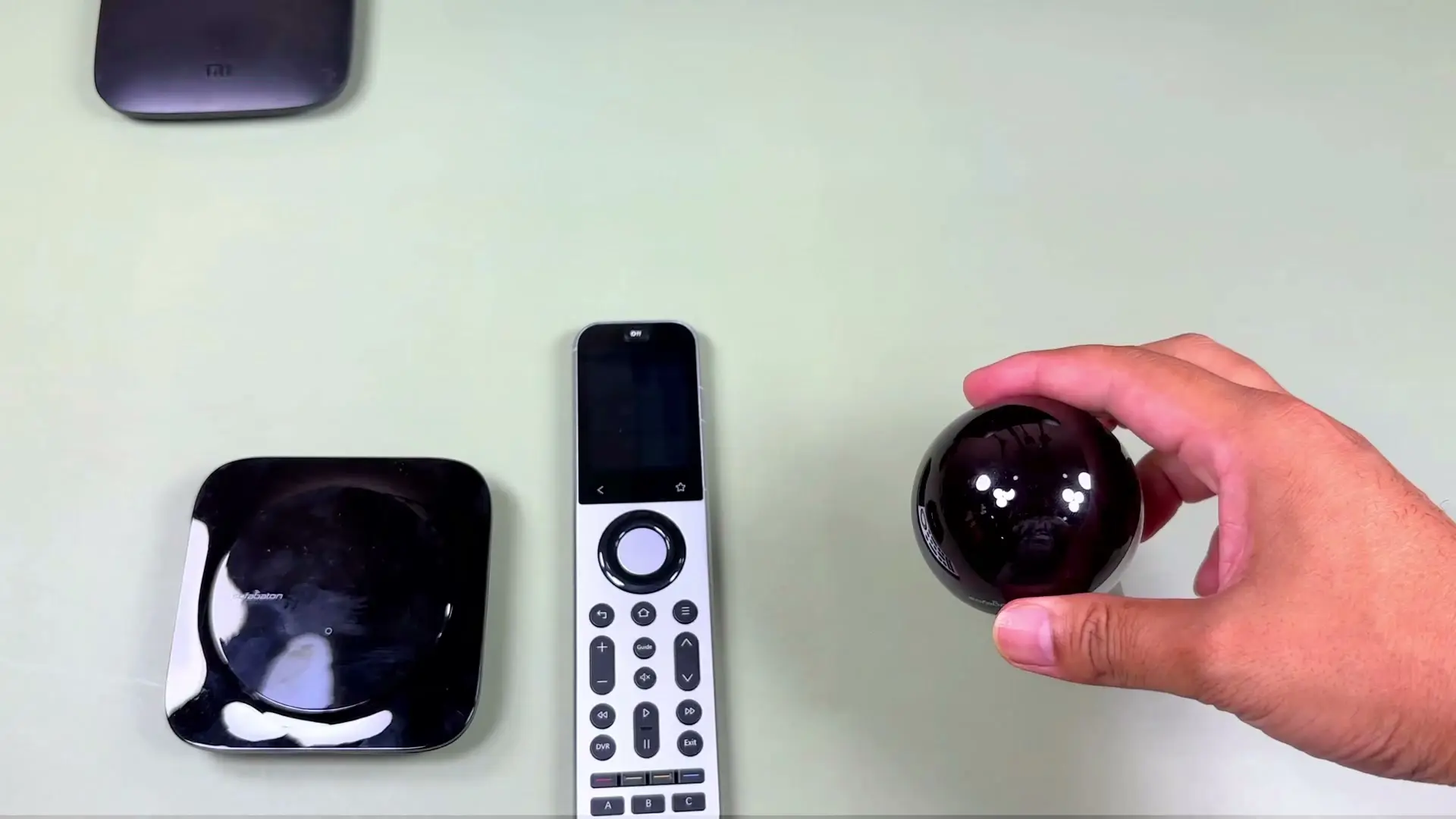
The X2 feels more premium: long, heavy, comfortable, with a responsive touchscreen. What took me time was the mix of touchscreen controls and hardware buttons, because some actions rely on smaller on-screen controls. It feels more like a power-user remote than something a guest can pick up and understand at once.
Setup and everyday use
Both pair through the SofaBaton app, and both involved firmware updates. On the U3 the app prompted an update and I let it finish; Google Assistant and Air Mouse only behaved correctly for me after that. On the X2 the hub and R1 repeater installed updates on their own without asking and briefly would not connect, which made setup feel less friendly.
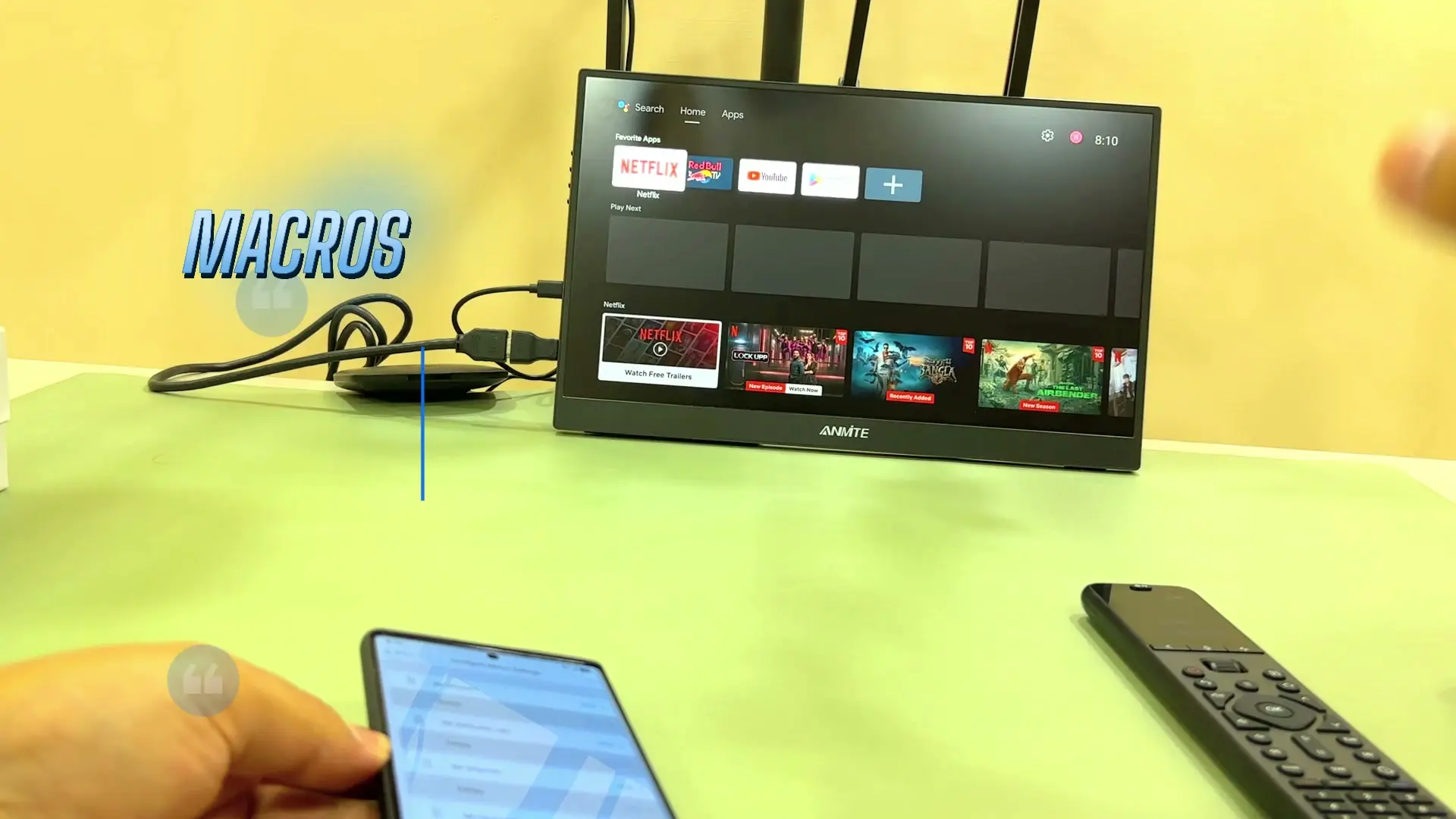
With my Xiaomi Android TV box, Bluetooth was flawless on both. On the U3 a Bluetooth macro (turn on the TV box, raise the volume, open YouTube) worked every time I tried it. IR is where I hit the same gap on both: it could turn the box off, but not back on, so check the exact commands you rely on before you buy.
Where the X2 pulls ahead: the R1 repeater
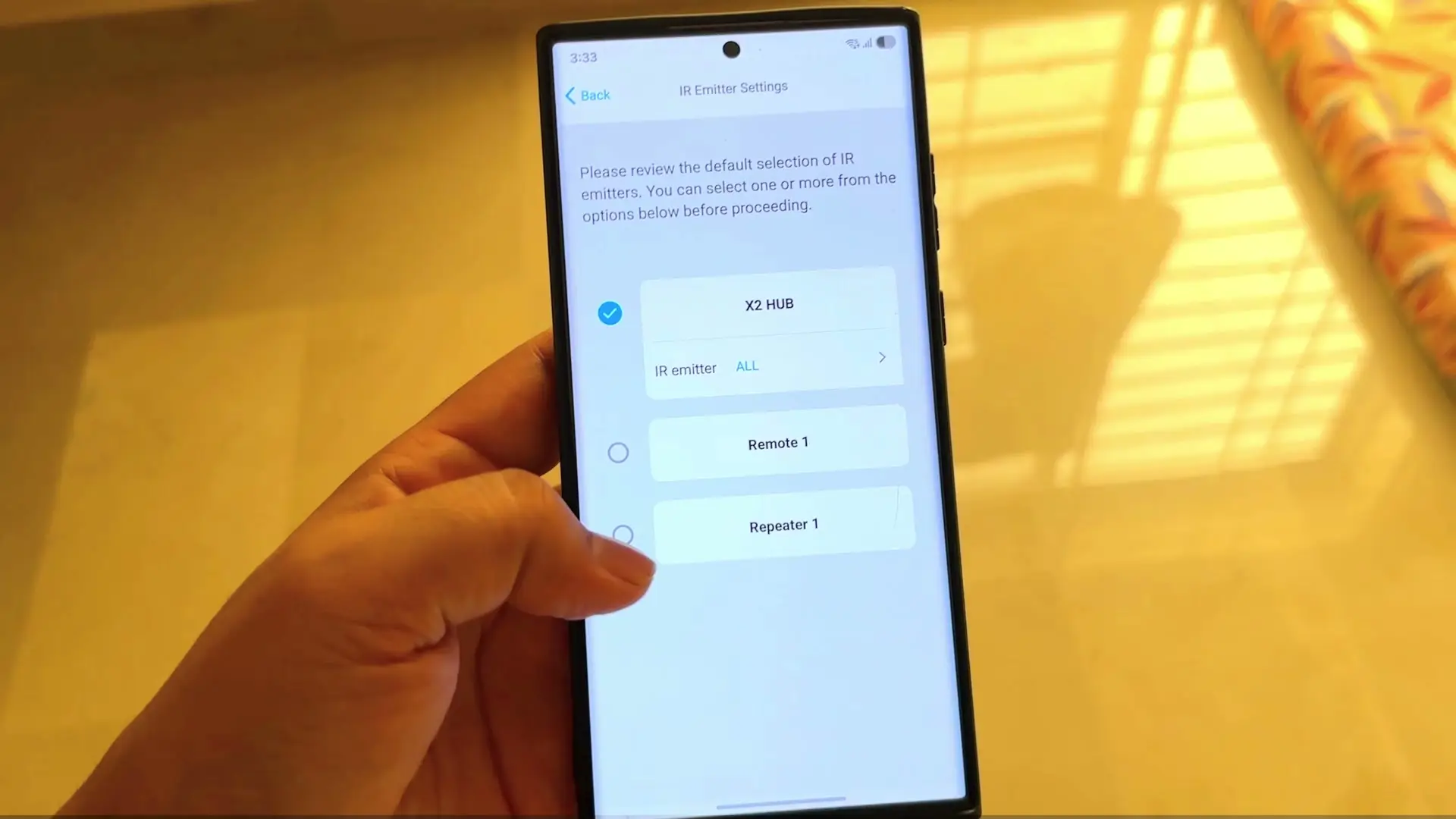
This is the clearest reason to spend more. I placed the X2 hub two rooms away, put the R1 repeater in the other room, and still controlled my AC with commands I had taught it through IR learning. If your equipment is not all in one cabinet, that is genuinely useful. The X2 also supports Activities, IP control and Home Assistant, though I did not test Home Assistant.
One caution from the X2 test: its device database is built around entertainment devices. My AC had no ready-made profile, so I had to teach the remote its IR commands.
Where the U3 pulls ahead: simplicity and value
The U3 gives most people what they actually want: Bluetooth and IR control, macros, Air Mouse, Google Assistant, a screen and physical buttons, plus a charging base in my package. It is not flawless. RF learning with my fan remote was hit-or-miss, and SofaBaton's up-to-three-weeks battery claim did not hold up on a heavy testing day, though I did not run it to empty.
SofaBaton U3 vs X2: the short version
Put the other way round, SofaBaton U3 vs X2: the U3 is the simpler, easier-to-live-with remote for everyday TV and TV box control, and the X2 is the more capable kit for multi-room and advanced setups. Both scored 3.5 from me, for different reasons.
Best universal remote for most people: which one to buy
- Buy the U3 if you want one remote to replace the TV and TV box remotes (and a couple of other Bluetooth or IR devices) without building a home-control system.
- Buy the X2 if you will use Activities, IP control, repeaters or Home Assistant, or have devices spread across rooms.
- Skip both if dependable RF control of a niche device is the main reason you are buying.
Quick answers
Is the SofaBaton X2 any good? The hardware is genuinely good — premium build, responsive touchscreen, reliable Bluetooth, and an R1 repeater that worked. But at around $330 it only makes sense if you will use its advanced options. I rated it 3.5/5.
Which should I buy, the X2 or the U3? For most people, the U3. The X2 is for advanced setups.
Does the U3 support RF? It can learn RF, but in my test with a fan remote the learned buttons were unreliable.
Do I need to update the firmware? Yes, expect it. On the U3, Google Assistant and Air Mouse worked correctly only after the update. On the X2, updates installed on their own and briefly broke the connection.
What about the X1S, the Unfolded Circle remote or Logitech Harmony? I have not tested them, so I will not compare them here.
Where to buy
This article contains affiliate links. If you buy through them, I may earn a commission at no extra cost to you.
Check the current SofaBaton U3 price on Amazon
Check the current SofaBaton X2 price on Amazon
More details and other store links: SofaBaton U3 on our link page and SofaBaton X2 on our link page.
Is this for you?
Who it’s for
Choose the U3 if you want one remote with a screen and physical buttons to replace the TV and TV box remotes without a complicated setup. Choose the X2 if you will use its more advanced control options, have devices spread across rooms that could use the R1 repeater, or want a premium hub-based kit.
Who should skip it
Skip both if your main reason to buy is dependable RF control of a niche device — RF learning was unreliable in my U3 test. Skip the X2 if you only want a cheaper way to replace a few remotes.
Watch the review
Open on YouTubeDisclosure
Hero and evidence images are original Tech With RR footage, captured firsthand during hands-on testing of the SofaBaton X2 Set and the SofaBaton U3.
This review contains an affiliate link. See our affiliate disclosure for details.