SofaBaton U3 Review: A Universal Remote Built for Most People, Not Power Users
I tested the SofaBaton U3 over Bluetooth, IR and RF with a Xiaomi TV box and a fan. It's a well-built universal remote with a real screen that works well for most people, though RF learning was unreliable and one IR command didn't carry over.
Published July 13, 2026
Tested context
Tested in a normal home setup: pairing over Bluetooth and IR with a Xiaomi Android TV box, attempting RF learning with a fan remote, building a simple Bluetooth macro, and trying Air Mouse and Google Assistant after a firmware update. My unit also included the charging base (sold separately in some packages). I did not test it with an air conditioner in enough depth to report a result, and I did not test Home Assistant or Matter, so I do not treat those as proven strengths or weaknesses here.
Verdict
The U3 is a genuinely good universal remote — matte black, well built, lighter than it looks, with a clear 4.2-inch screen and a proper physical button layout. Bluetooth pairing was flawless and a Bluetooth macro worked perfectly, but RF learning with my fan remote was hit-or-miss, and IR could turn my Xiaomi TV box off but not back on. For most people who just want to stop juggling remotes, I would recommend the U3 over SofaBaton's own X2, which is really built for power users.
Pros
- Matte black design feels premium and is lighter than its tall size suggests
- Bluetooth pairing and control were flawless with my Xiaomi Android TV box
- The 4.2-inch screen is sharp, responsive, and easy to read
- A Bluetooth macro (power on, raise volume, open YouTube) worked flawlessly
- The included charging base makes daily charging effortless
Cons
- RF learning with my fan remote was unreliable — some learned buttons worked, some did not
- IR could turn my Xiaomi TV box off but not back on, so I still needed the original remote
- The scroll wheel could be more raised — my thumb rubbed the corner around it
- Two button pairs (the two back buttons, and power vs. the on-screen TV off) took a few days to stop confusing
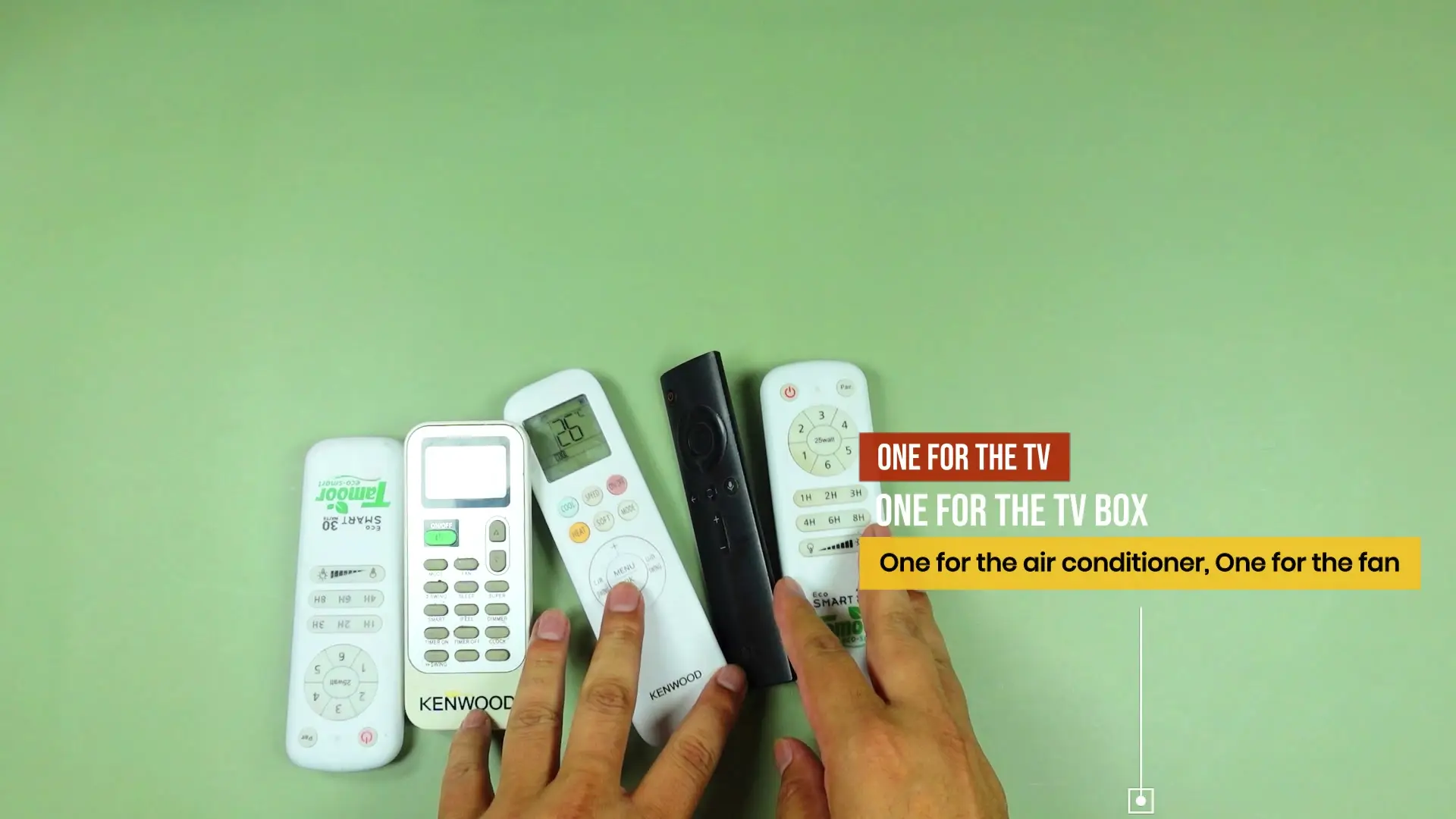
Most of us slowly end up with a pile of remotes — one for the TV, one for the TV box, one for the air conditioner, one for the fan. That is the exact problem the SofaBaton U3 is trying to solve, and after testing it with a Xiaomi Android TV box and an RF fan remote, I think it gets there for most people.
It is not flawless. RF learning was unreliable in my testing, and IR could turn my TV box off but not back on. But as a well-built, comfortable, screen-equipped remote that mostly does what it promises, I would recommend the U3 over SofaBaton's own X2 for anyone who is not chasing a power-user home-control setup.
Design and build
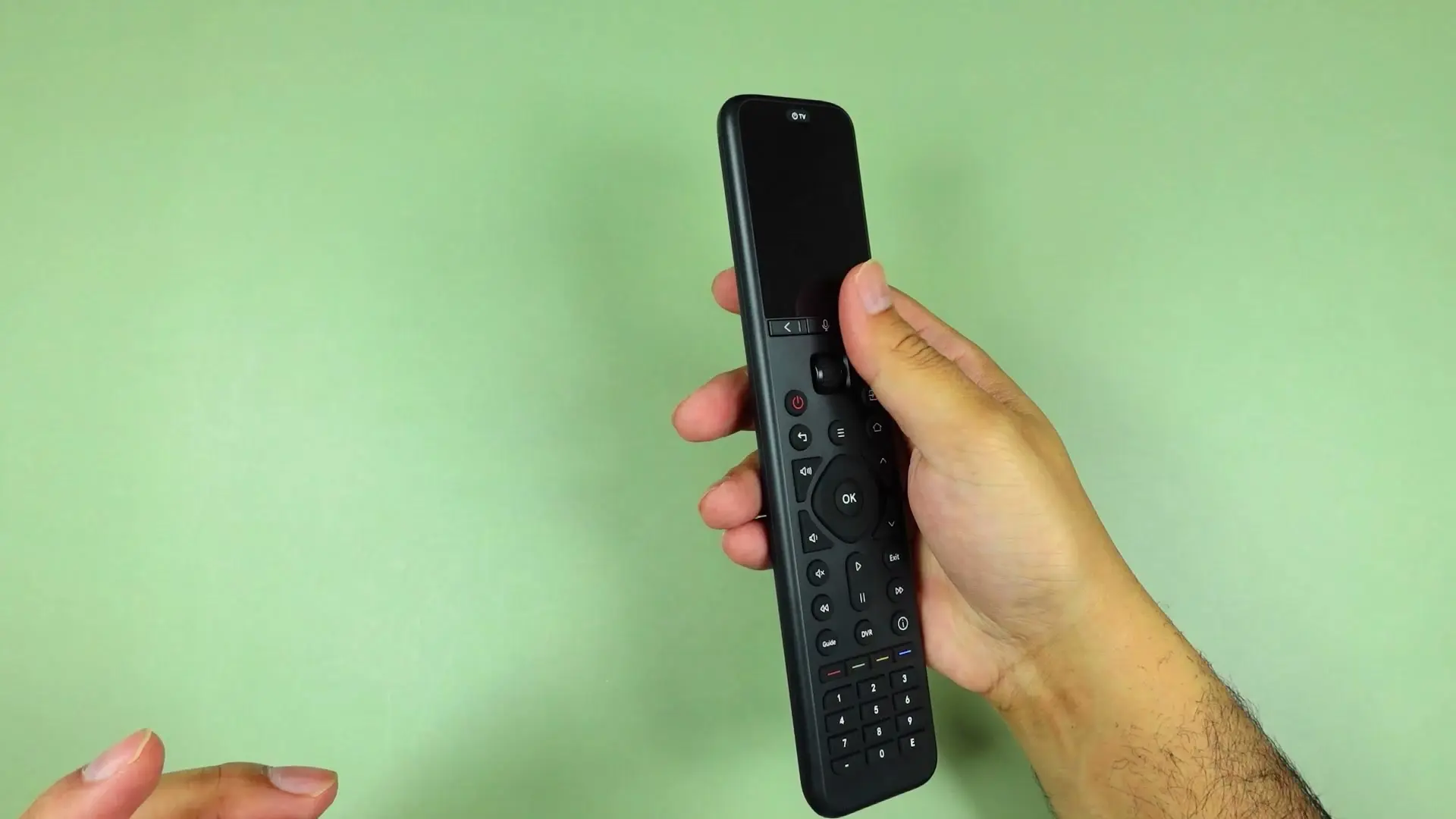
The U3 has a matte black design on both the remote and its charging base, and together they look clean on a TV console. It is a tall remote — probably the tallest I have used — but it feels noticeably lighter than it looks. The body is smooth, rounded and easy to grip, and depending on where you hold it, you may need to shift your hand slightly to reach the top or bottom buttons. That is a minor size quirk, not a real problem.
The button layout mostly makes sense, but two things took getting used to. There is a back button for the remote's own on-screen interface near the screen, and a separate back button for the device you are controlling — I kept pressing the wrong one at first. There is also a red physical power button alongside an on-screen "TV off" option, and figuring out which one to reach for took a few days.
Screen and scroll wheel
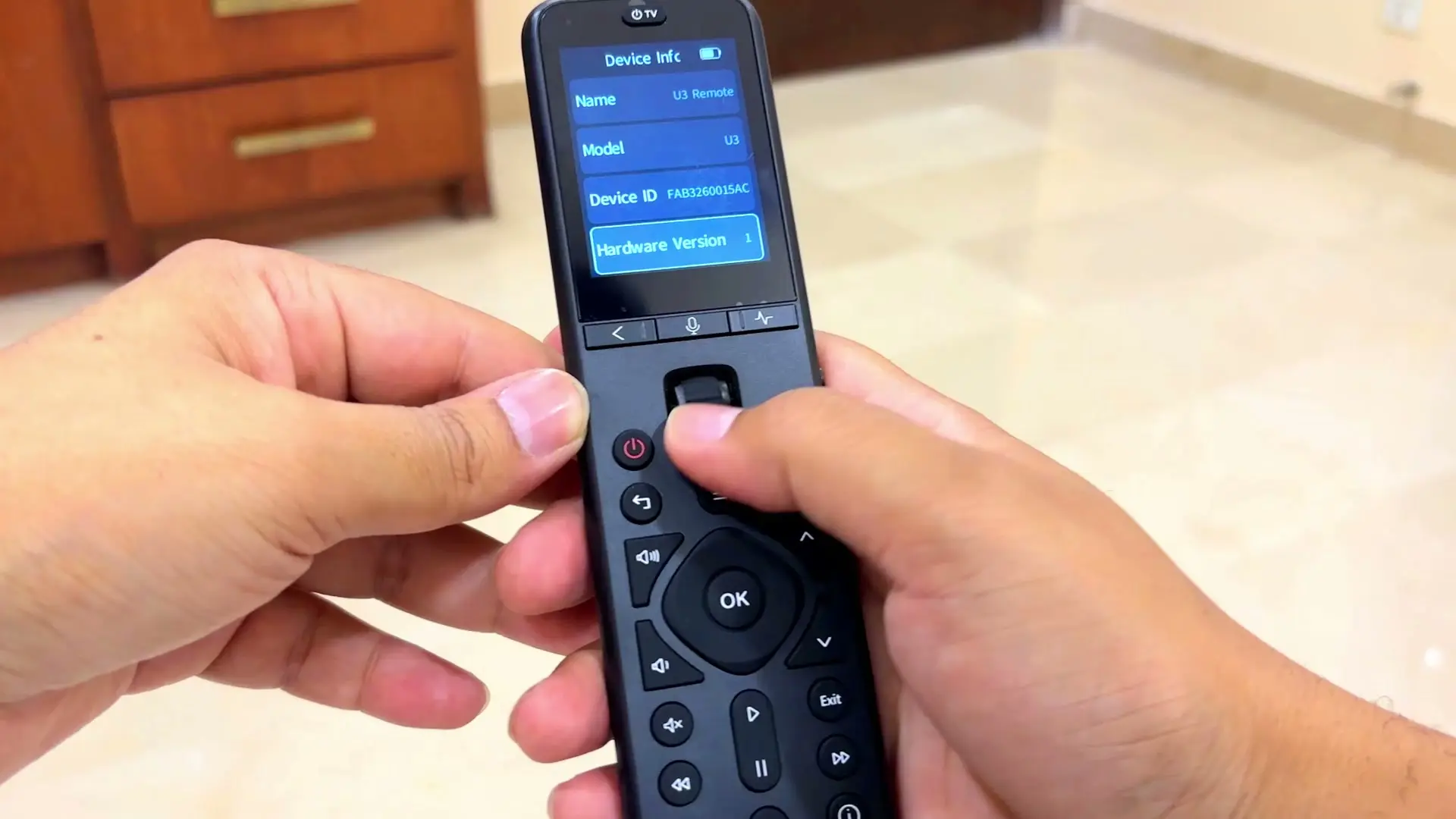
The 4.2-inch screen has no real complaints attached to it. It is sharp, responsive and easy to read for selecting devices and commands — more than enough for this kind of remote.
The scroll wheel works fine and clicks properly, but I do have one small gripe: I wish it were a little more raised. As it is, my thumb can rub against the corner around it while scrolling, and because it is also a clickable wheel, a click can occasionally shift the selection a little. Neither is a deal-breaker, but SofaBaton could make the wheel more comfortable in a future version.
Setup was simple, but a firmware update was part of it
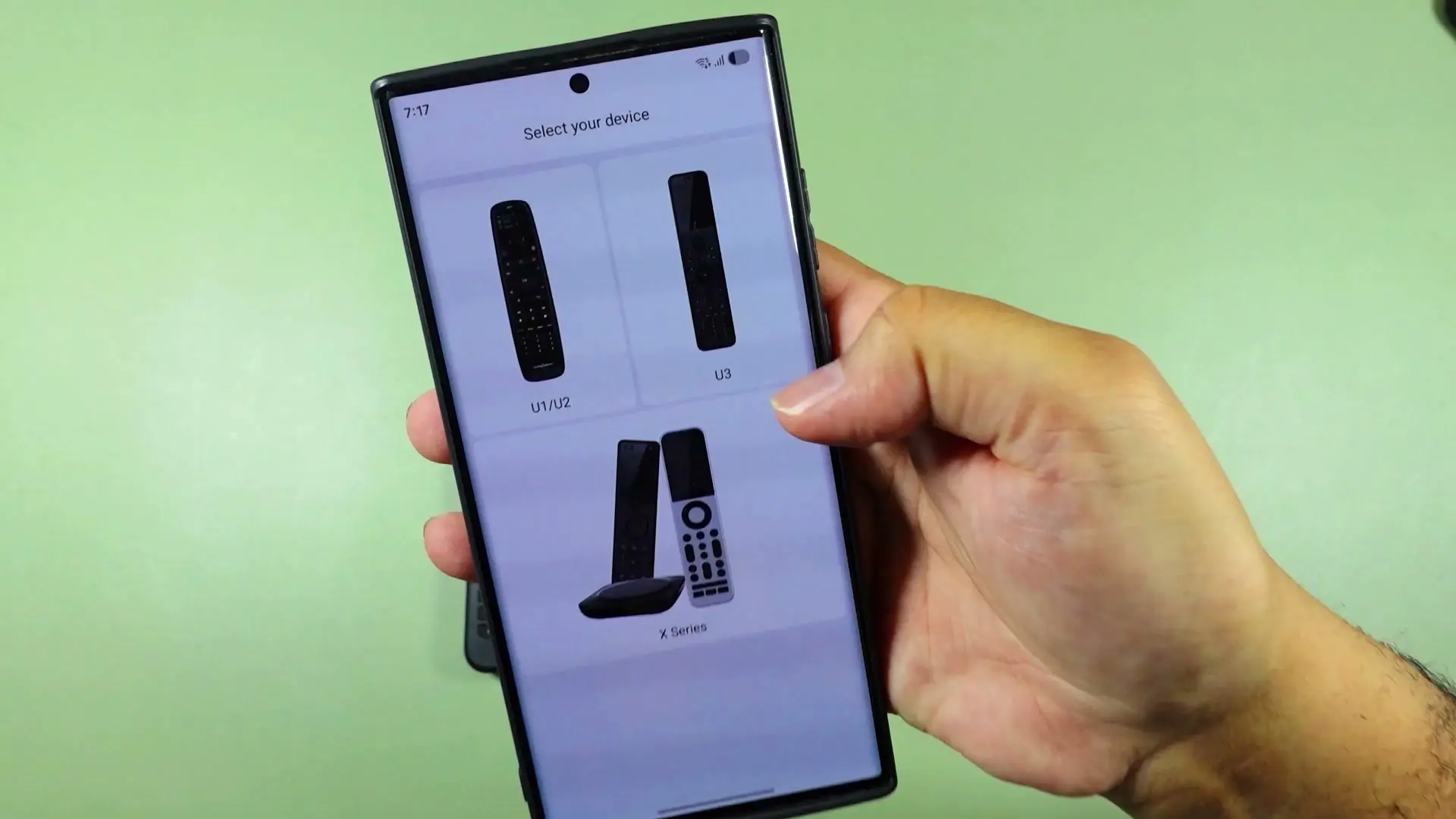
Setup does not rely on Wi-Fi — the remote pairs with the SofaBaton app over Bluetooth, and the app walks you through which buttons to press. Pairing worked without friction, and the app also prompted a firmware update, which I triggered and let finish before continuing. I already had a SofaBaton account, but the app also supports Google login if you do not.
One thing worth knowing: software updates matter here. Google Assistant did not behave correctly for me until after I updated the remote, so it is worth updating before judging any of the smart features.
Adding devices: Bluetooth was flawless, IR had one gap
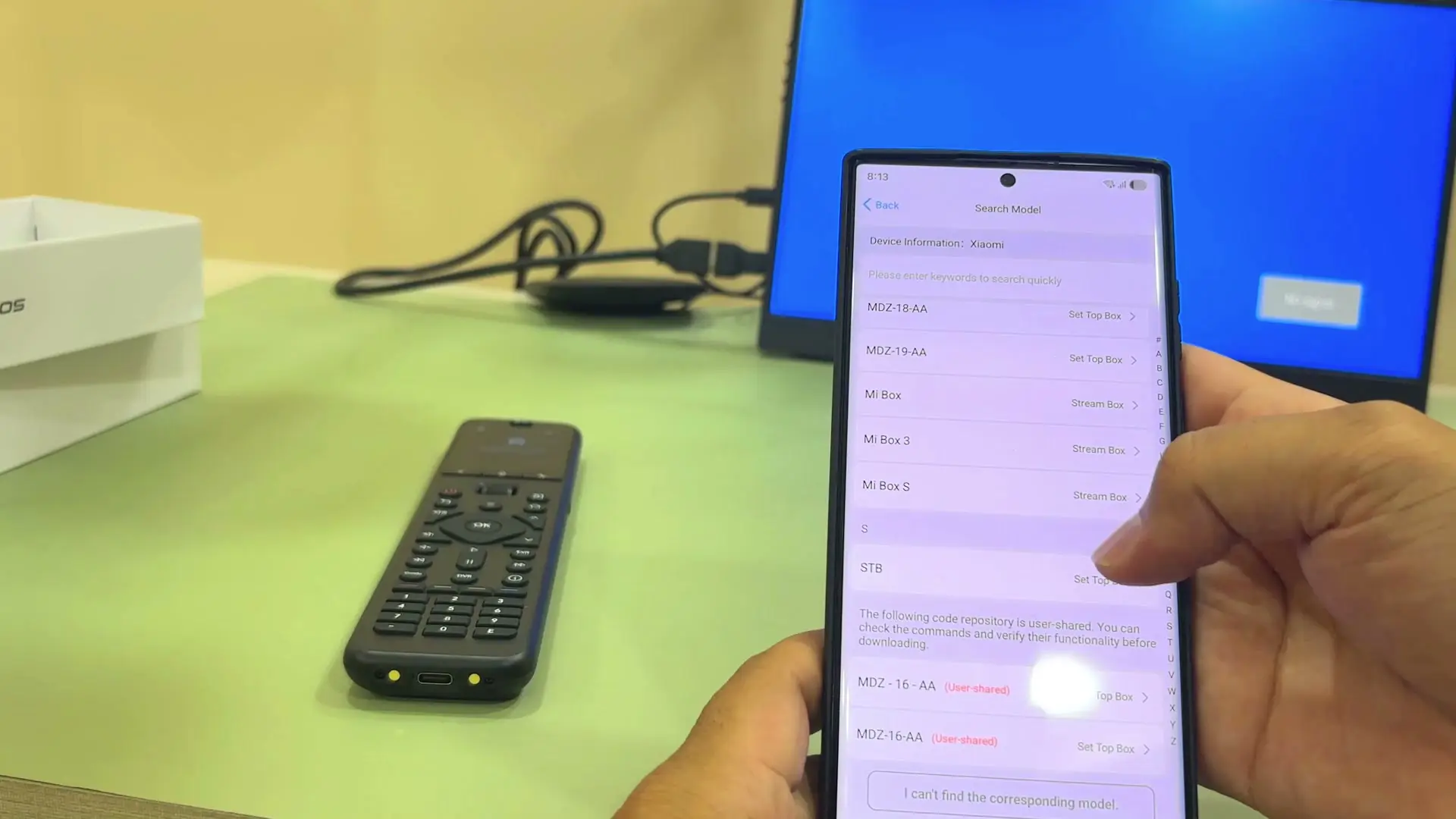
I tested adding devices over Bluetooth, IR and RF. Bluetooth was the easiest — pairing with my Xiaomi Android TV box worked flawlessly, and I could control it properly from the remote afterward.
IR was also straightforward to add: you pick the brand, pick the model, and the app loads a remote profile. Most buttons worked correctly for my Xiaomi box, but I found one real gap — I could turn the box off over IR, but I could not turn it back on, and had to reach for the original remote instead. The lesson here applies to universal remotes generally: it is not enough that your brand is listed, you still need to check that the specific commands you rely on actually work. More established brands tend to fare better than older or less common models.
RF learning was hit-or-miss
RF learning was the weakest part of my testing. I tried it with a fan remote, since the fan uses RF. The app reported that it had learned several buttons, but using them afterward was inconsistent — some worked, some did not. This is not unique to the U3; learning remotes in general, whether IR or RF, can be unreliable. But if RF control of a specific device is your main reason for buying, I would not assume it will work perfectly out of the box.
Macros worked flawlessly
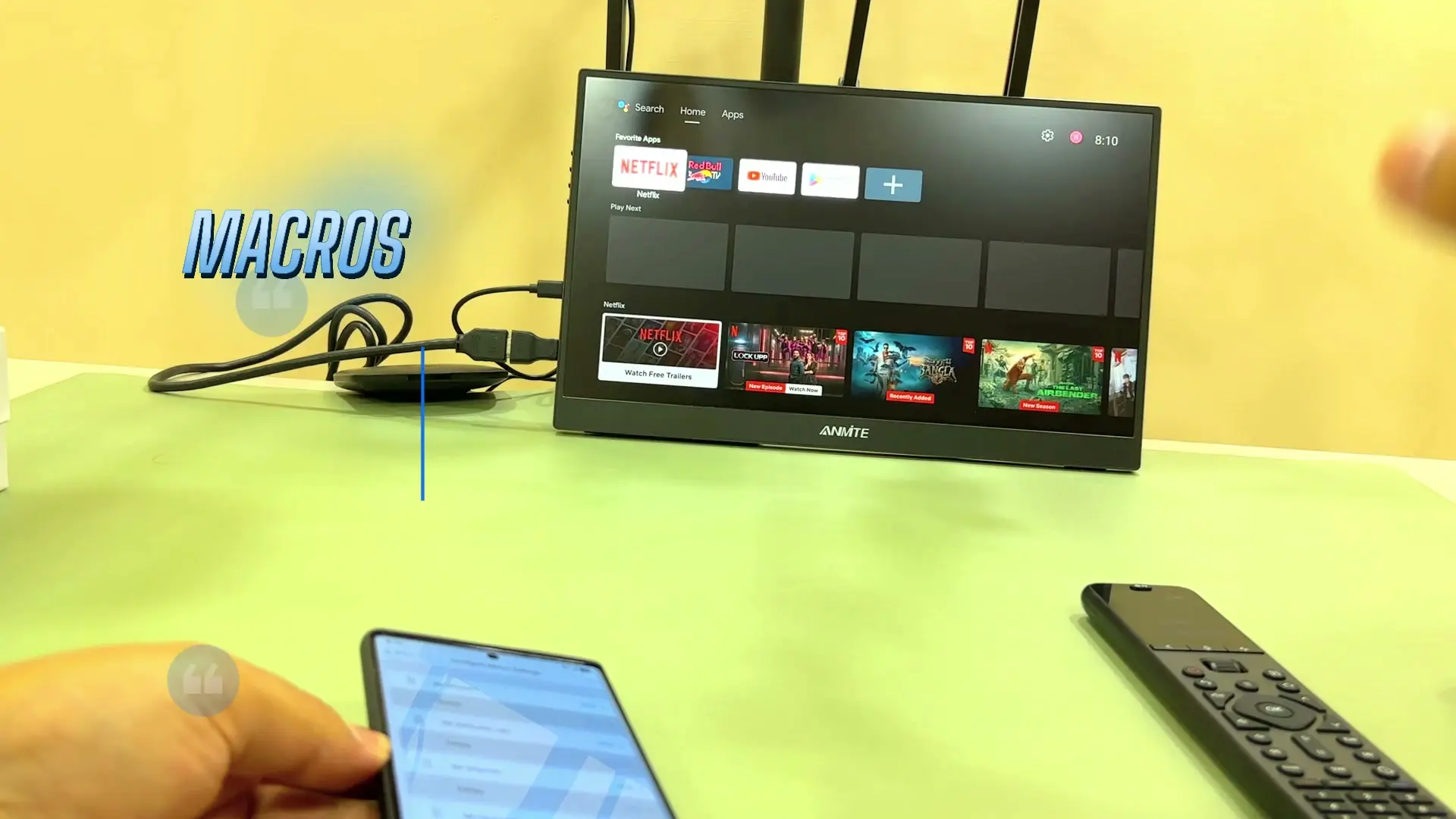
A macro on the U3 runs multiple commands from a single button press. I built a simple one using Bluetooth: turn on the TV box, raise the volume, move to YouTube, and open it. It worked exactly as intended every time I tried it.
Air Mouse and Google Assistant
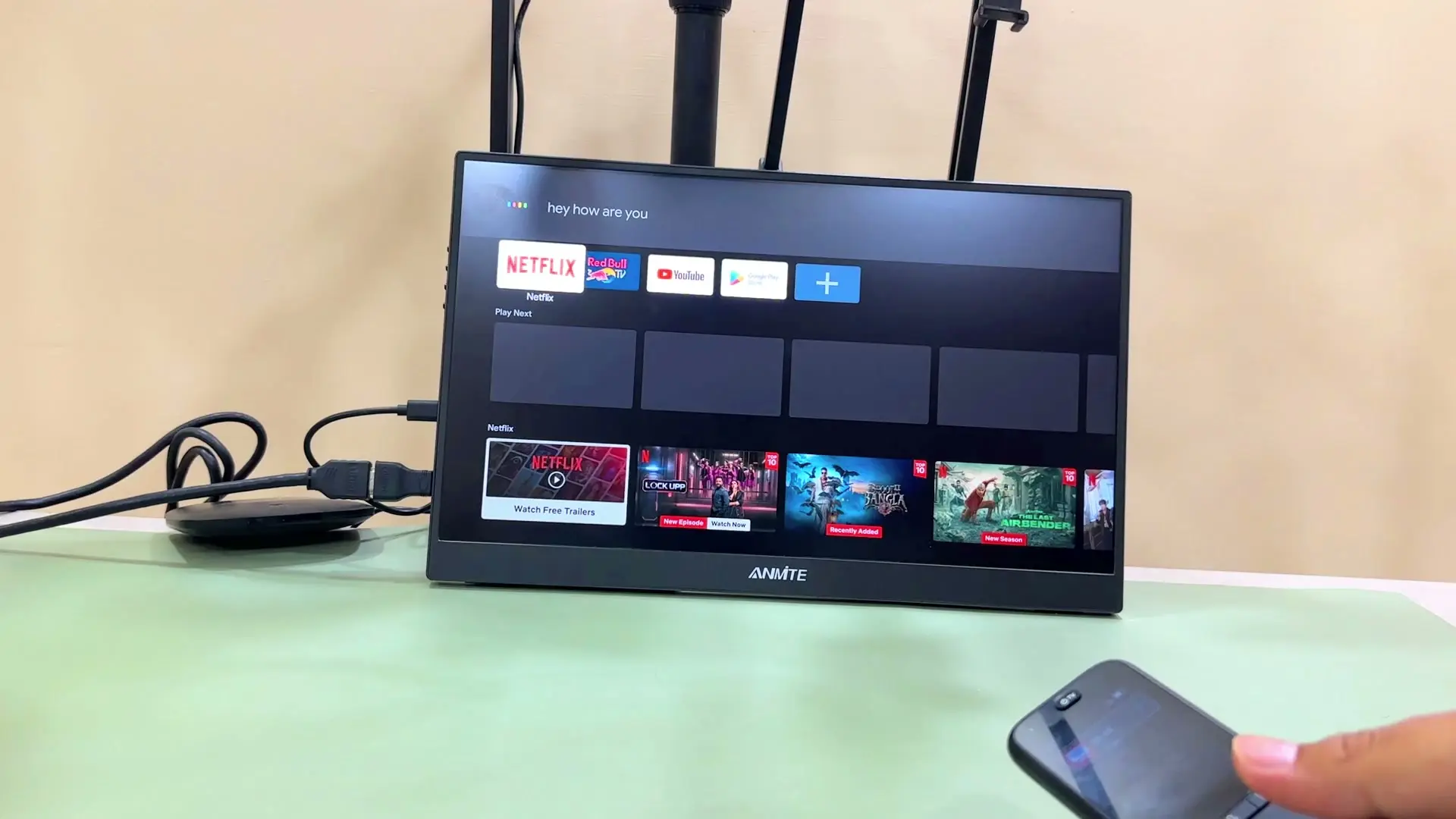
Air Mouse lets you point the remote like a cursor on-screen. It worked after the firmware update, with the mild lag and imperfect tracking I have seen on other air-mouse remotes — normal for this kind of feature. I do not see myself using it daily, but it is a nice option if you have a larger TV or kids who like pointer-style control.
Google Assistant also worked correctly after the update: pressing the voice button triggered Assistant, and it replied properly to a spoken question. Just remember this depends on the update being installed, and on using Google Assistant-compatible devices.
Battery and the charging base
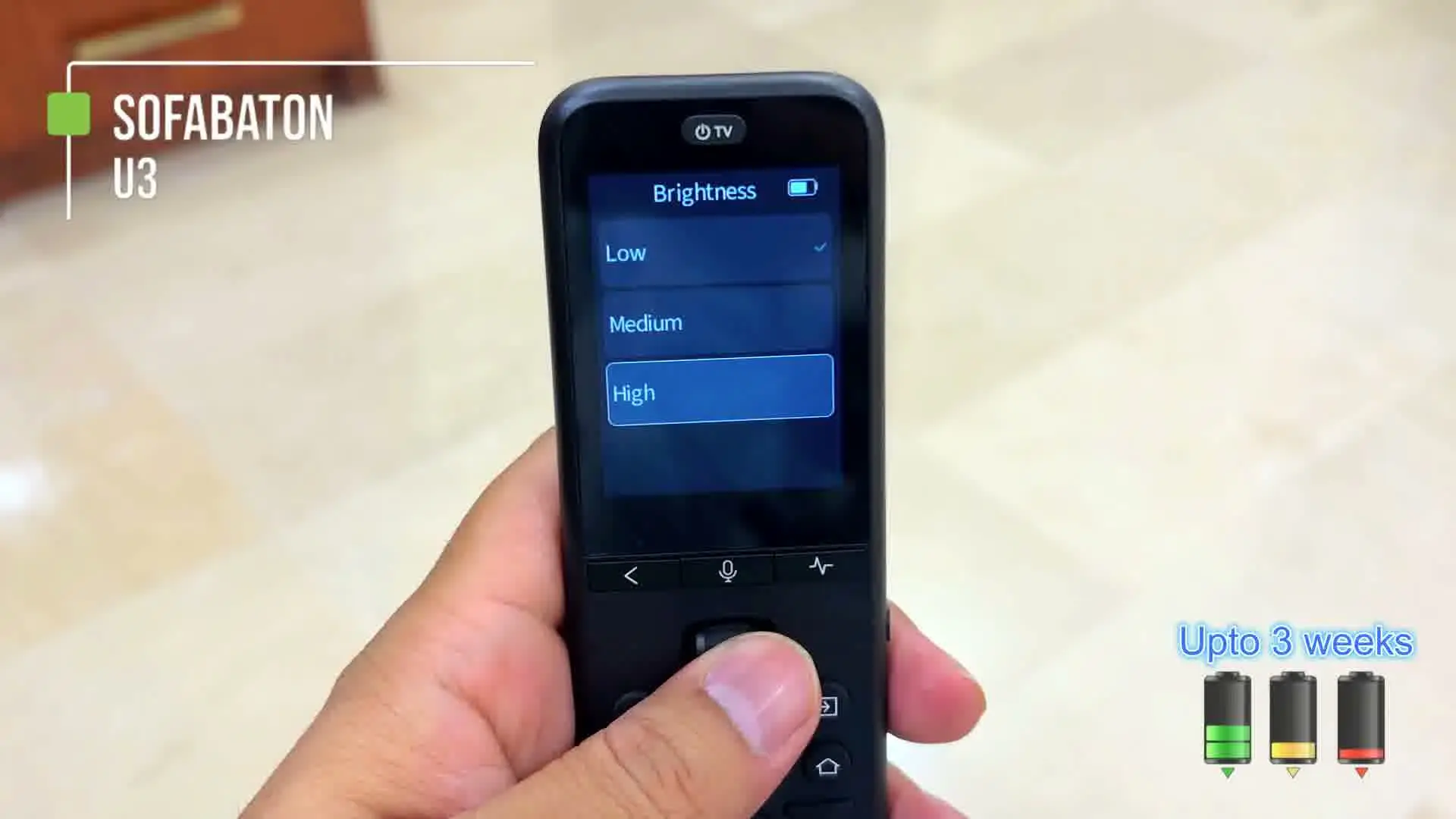
SofaBaton claims up to three weeks of battery life. During my testing — which involved pairing devices, testing macros, trying RF learning and going back and forth through the app in a single heavy day — the battery drained noticeably faster than that. I did not run it all the way to empty, so I cannot make a final claim either way, but the three-week figure feels more realistic for lighter, everyday use than for a heavy testing session.
My package included the charging base, and it worked reliably every time. For a remote with a screen and smart features like this one, having a dedicated place to set it down and charge is genuinely convenient.
Final verdict
I like the SofaBaton U3. It gives most people Bluetooth, IR, RF learning, macros, Air Mouse, Google Assistant, a good screen and physical buttons — plus, in my package, a useful charging base. It is not perfect: RF learning was unreliable for me, some device profiles may be missing commands, and the scroll wheel could be more comfortable. Check the current price before buying, and weigh it against how many of these features you'll actually use.
But if you are already looking for a universal remote and want to clean up your TV table without stepping into a full power-user hub setup, the U3 is easy to recommend — and, for most people, an easier recommendation than SofaBaton's own X2.
Where to buy
This article contains affiliate links. If you buy through them, I may earn a commission at no extra cost to you.
Is this for you?
Who it’s for
Most people who just want one remote to replace a TV, a TV box, and a couple of other Bluetooth or IR devices, and who value a real screen and physical buttons over a bare-bones remote.
Who should skip it
Skip it if your main reason for buying is reliable RF learning for a niche device, or if you want SofaBaton's more power-user-oriented control options — for that, look at the X2 instead.
Watch the review
Open on YouTubeDisclosure
Hero and evidence images are original Tech With RR footage, captured firsthand during hands-on testing of the SofaBaton U3.
This review contains an affiliate link. See our affiliate disclosure for details.