Sofabaton X2 Review: Great Hardware, but Most People Do Not Need It
I tested the Sofabaton X2 with Bluetooth, IR and its R1 repeater. The hardware is excellent, but at this price it only makes sense if you will use its advanced control options.
Published July 12, 2026
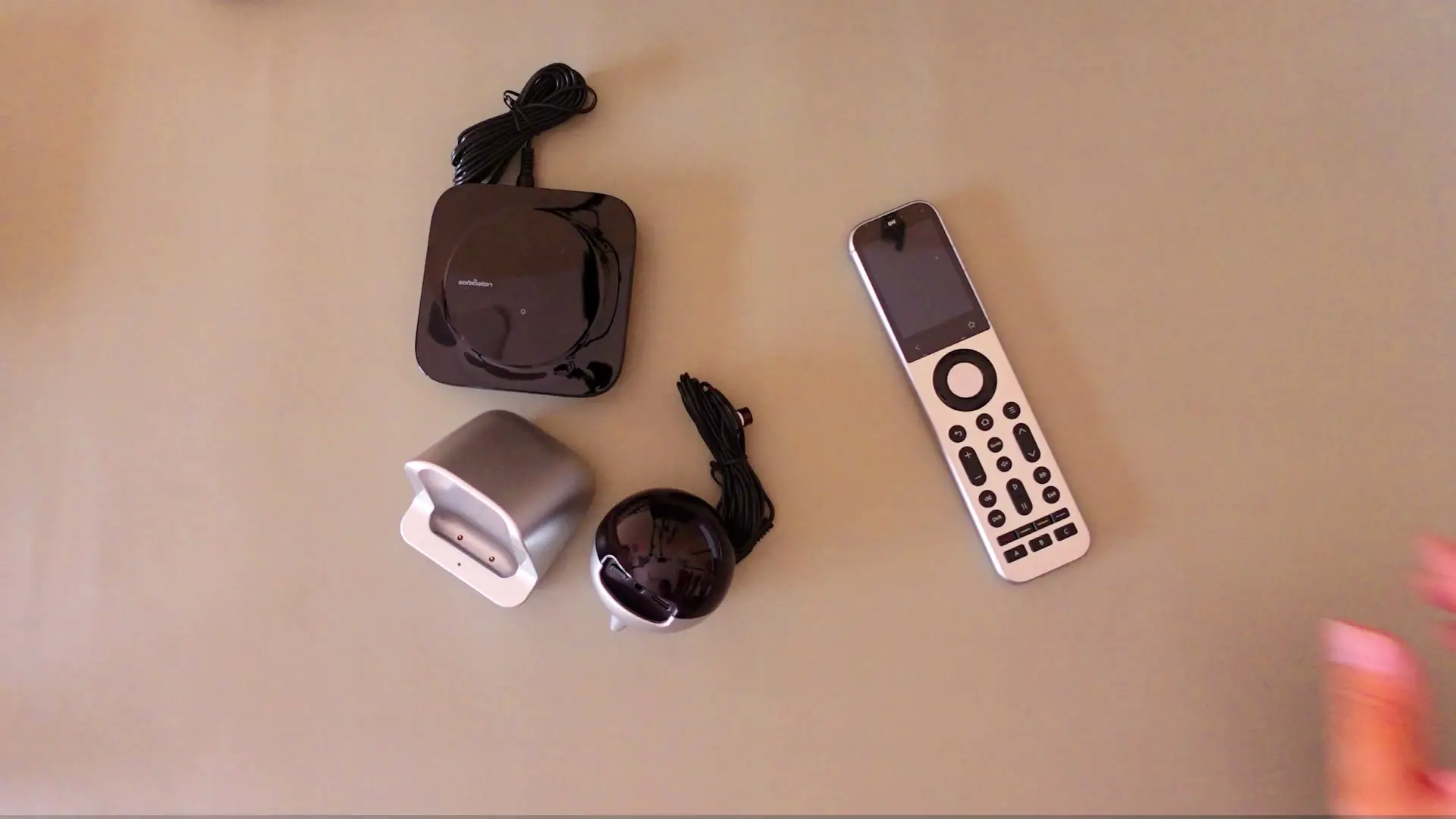
Tested context
Tested in a normal home setup rather than as a Home Assistant showcase: pairing real devices over Bluetooth and IR, checking how the touchscreen and physical buttons feel, and using the R1 infrared repeater across rooms. I did not test Home Assistant, RF control, Matter or the claimed 30-day battery life, so I do not treat those as proven strengths or weaknesses here.
Verdict
The hardware is genuinely good — a premium build, a responsive touchscreen, reliable Bluetooth, a useful charging dock and an R1 repeater that extended IR control across rooms. But the app is only functional, forced firmware updates make setup feel less friendly, and at around $330 the X2 really only makes sense if you will use its more advanced control options.
Pros
- Premium, comfortable build with a responsive, sharp touchscreen
- Bluetooth control worked flawlessly with my older Xiaomi Android box
- The R1 repeater extended IR control to a device two rooms away
- The charging dock gives a premium remote a proper place to live and charge
Cons
- At around $330 it is hard to justify if you only want to replace a few everyday remotes
- Firmware updates installed on their own during setup and briefly broke the connection
- Sofabaton's IR database is built for entertainment devices — my AC had no ready-made profile and needed IR learning instead
- Mixing touchscreen and physical controls takes adjustment and is not guest-friendly
The Sofabaton X2 Set is one of the better-made universal remotes I have used. The remote feels premium, the touchscreen is responsive, Bluetooth control worked properly with my Xiaomi Android box, and the included R1 repeater successfully controlled my AC from another room.
But that does not automatically make it the right universal remote for most people. At around $330, the X2 is built for someone who wants Activities, IP control, Home Assistant or a more advanced multi-room setup. If your whole goal is simply to replace a few remotes for the TV, streaming box and AC, it is hard to justify spending this much.
What is in the X2 Set
The set I tested includes the X2 remote, hub, charging dock, IR emitter cables and the separate R1 infrared repeater. It is a more complete package than a basic universal remote, and that is also why the price is so high.
The remote itself is long, heavy and comfortable to hold. It does not feel slippery or cheap. The dock is useful too: instead of leaving a premium remote on the sofa somewhere, it gives it a proper place to live and charge. I did not run the battery from full to empty, but I liked the dock as part of the everyday experience.
Setup is functional, but not as polished as it should be
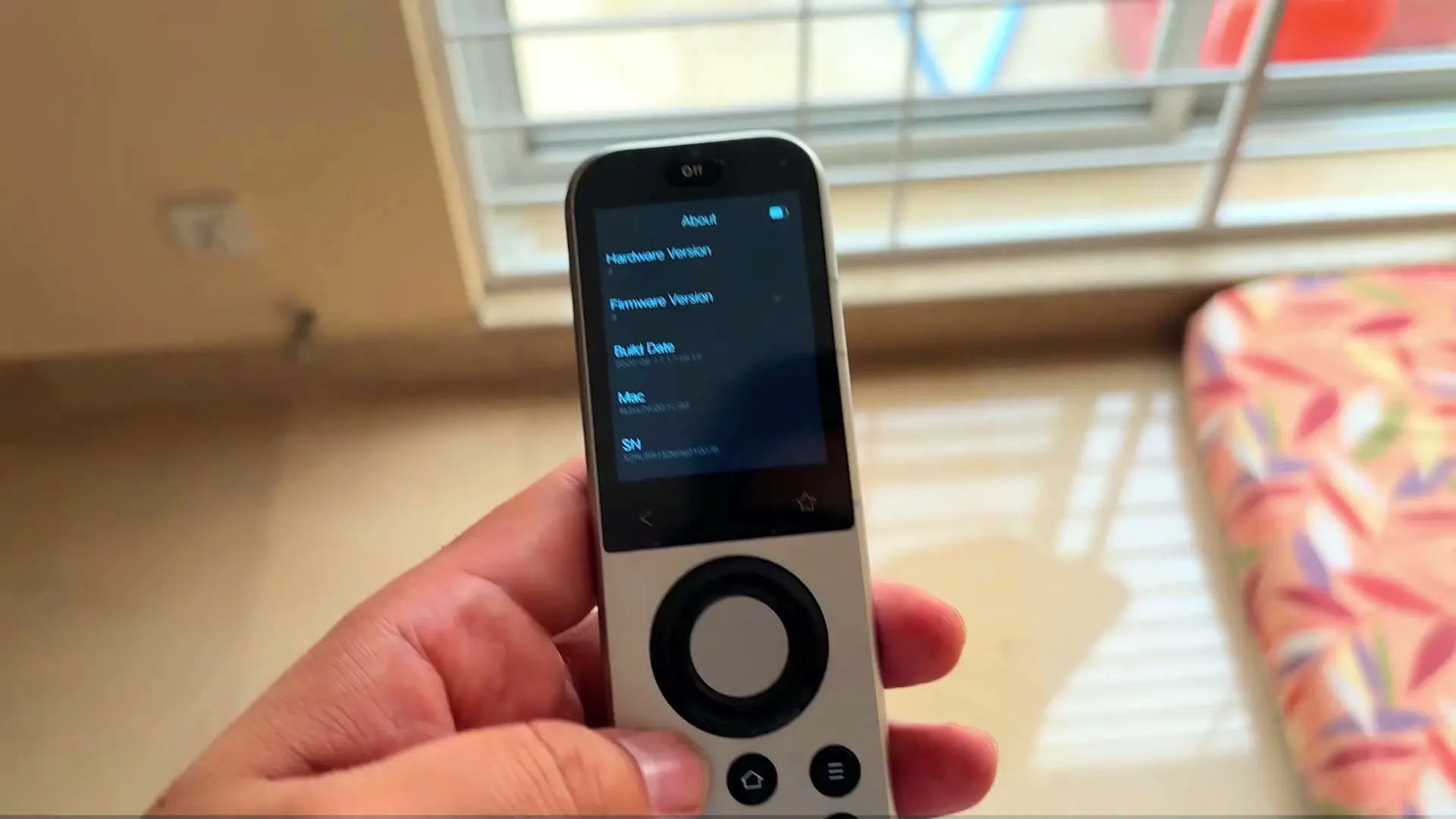
The hub was found and paired quickly. The frustrating part came immediately after that: it started installing firmware updates on its own, without asking first. During those updates it temporarily would not connect, which made the process feel confusing. The same thing happened with the R1 repeater.
An update may be necessary, but the app should make that clear and still make the user feel in control. The Sofabaton app does the job, but it also has small pauses when loading a remote that make it feel less polished than I expected at this price.
The other thing to remember is that a universal remote is only as useful as support for your own devices. Sofabaton has a broad database, but it is really built around entertainment devices — TVs, streaming boxes, that kind of thing. My Canvas AC had no ready-made profile in that database, so pairing it the normal way did not work. I ended up teaching the remote its IR commands directly instead, and that is what actually got it working. That does not mean every device will have this problem, but it is exactly the kind of detail worth checking before you buy an expensive remote — especially for appliances rather than entertainment gear.
Bluetooth, IR and the R1 repeater worked well in my testing
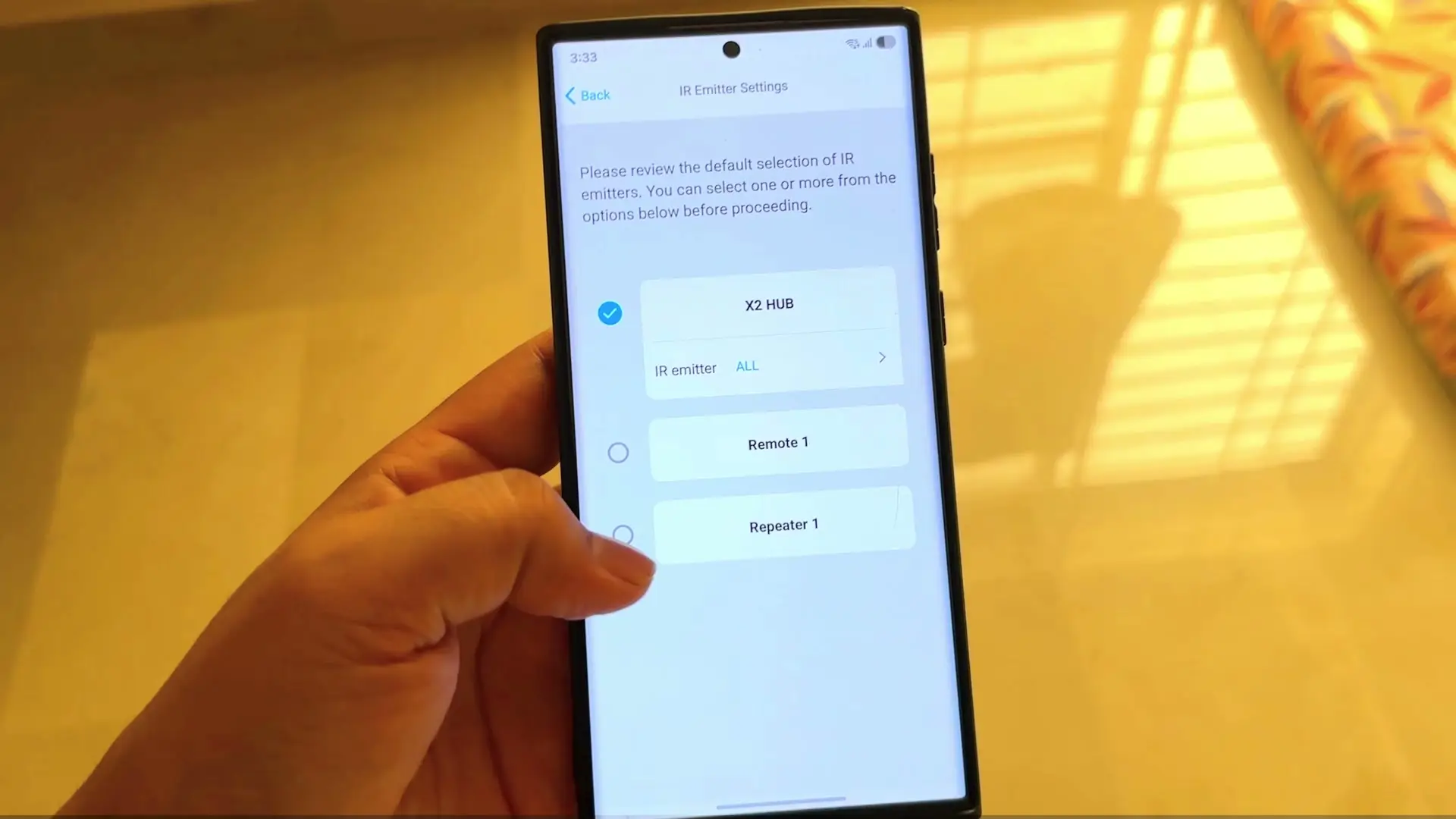
With my older Xiaomi Android box, Bluetooth pairing worked flawlessly. Once paired, I could control it from the physical X2 remote as well as from the remote screen in the Sofabaton app.
IR also worked with the same box, but with one important limitation. It could turn the box off, but it could not turn it back on. Bluetooth could turn it back on, which is a good example of why the connection method still matters even when one remote is meant to simplify everything.
The R1 repeater was more convincing. I placed the hub two rooms away, put the R1 in the other room, and was still able to control the AC using the commands I had taught it through IR learning. That makes the repeater genuinely useful if your equipment is not all in one cabinet or one line of sight.
The touchscreen is good, but the controls take adjustment
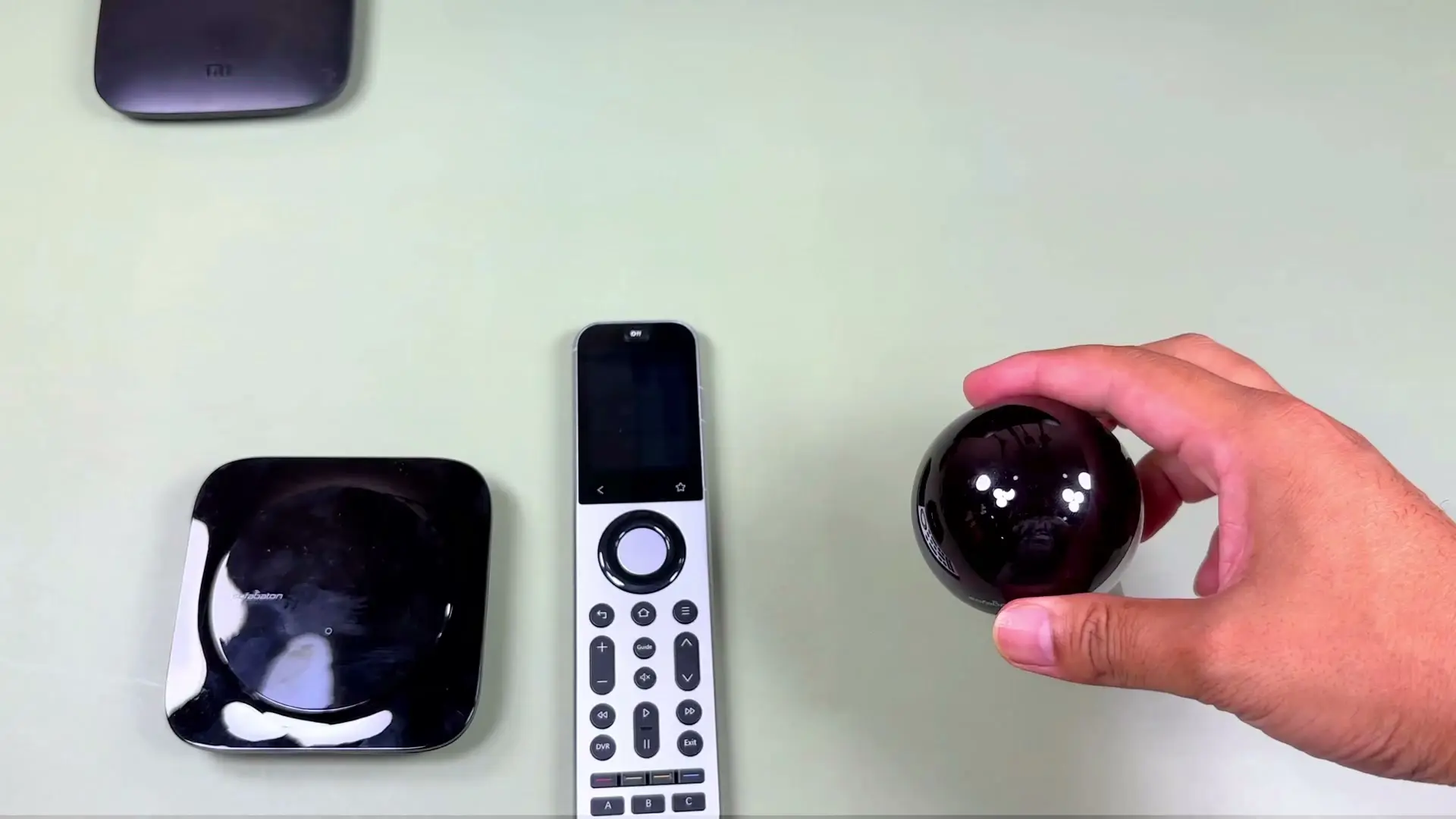
The touchscreen is responsive and sharp enough for this kind of remote. The built-in IR emitter in the remote itself is also a nice touch, because the remote is not only relying on the hub to send a command.
What took me time was the mix of touchscreen controls and hardware buttons. I expected the physical back button and D-pad-style controls to work naturally everywhere, but some actions rely on smaller on-screen controls instead. It is not unusable, but it makes the X2 feel more like a power-user remote than something a guest can pick up and understand immediately.
Where to buy
This article contains affiliate links. If you buy through them, I may earn a commission at no extra cost to you.
Is this for you?
Who it’s for
People building a more advanced home-control setup who will use Activities, IP control, repeaters or Home Assistant; anyone with devices spread across rooms who can benefit from the R1 repeater; and buyers who value premium hardware and are prepared to verify their specific devices are supported.
Who should skip it
Skip it if you simply want a cheaper way to replace a few everyday remotes, expect every device in a large database to work without checking compatibility, or want the simplest possible setup and control scheme.
Price & comparison
The X2 Set was around $330 at the time of review.
Price as observed 2026-07-12; may have changed since.
Watch the review
Open on YouTubeDisclosure
Hero and evidence images are original Tech With RR footage, captured firsthand during hands-on testing of the Sofabaton X2 Set.
This review contains an affiliate link. See our affiliate disclosure for details.